

Contain Real Ingredients on Stable Diffusion 2 via Dreambooth
model by estelleflores

This is a Stable Diffusion 2 model fine-tuned to the CRIsimsEstelle concept taught to Stable Diffusion with Dreambooth.

It can be used by modifying the instance_prompt: 3d render in <cri-sims> style or just using the initializer '<cri-sims> style' somewhere in your prompt will work.

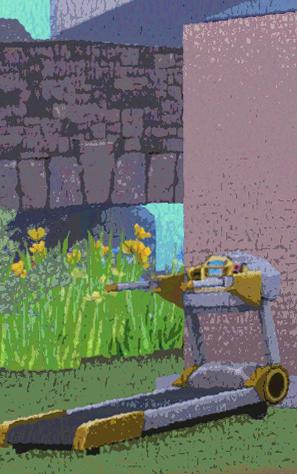
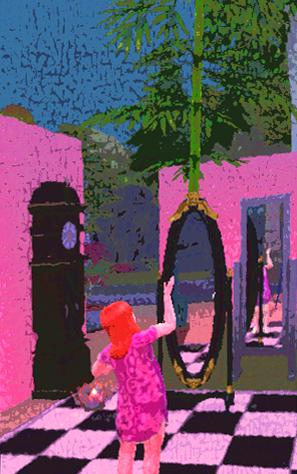
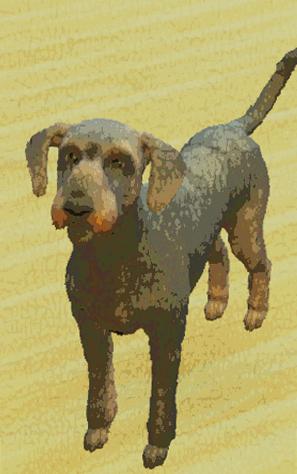
Images used for training this concept come from the project Contain Real Ingredients, an art practice inside the game The Sims 4 by artist Estelle Flores:

















You can also train your own concepts and upload them to the library by using this notebook.
And you can run your new concept via diffusers: Colab Notebook for Inference
- Downloads last month
- 3