

cat on Stable Diffusion via Dreambooth
model by takaaki-inada
This your the Stable Diffusion model fine-tuned the cat concept taught to Stable Diffusion with Dreambooth.
It can be used by modifying the instance_prompt: a photo of sks cat
You can also train your own concepts and upload them to the library by using this notebook.
And you can run your new concept via diffusers: Colab Notebook for Inference, Spaces with the Public Concepts loaded
Generated AI illustration examples are:sks cat helmet finger pointing profile cowboy_shot loli alice elementary school student girl turning around with white marble glowing skin and dot nose with blush cheeks hair ornament blue_archive arknights jewelry glint sparkle light_rays lens_flare light_particles hyper detailed high detail exquisite detail golden hour lighting strong rim light intense shadows






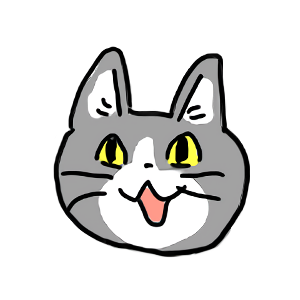
Here are the images used for training this concept:








- Downloads last month
- 12