Instructions to use sd-dreambooth-library/mario-action-figure with libraries, inference providers, notebooks, and local apps. Follow these links to get started.
- Libraries
- Diffusers
How to use sd-dreambooth-library/mario-action-figure with Diffusers:
pip install -U diffusers transformers accelerate
import torch from diffusers import DiffusionPipeline # switch to "mps" for apple devices pipe = DiffusionPipeline.from_pretrained("sd-dreambooth-library/mario-action-figure", dtype=torch.bfloat16, device_map="cuda") prompt = "Astronaut in a jungle, cold color palette, muted colors, detailed, 8k" image = pipe(prompt).images[0] - Notebooks
- Google Colab
- Kaggle
- Local Apps
- Draw Things
- DiffusionBee
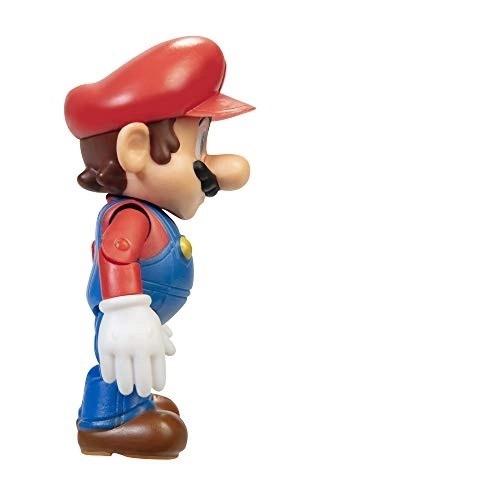
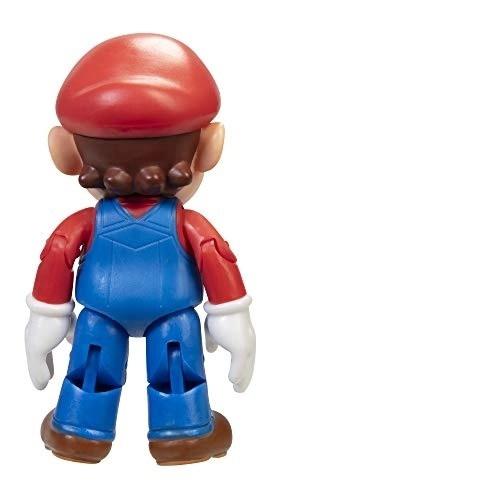
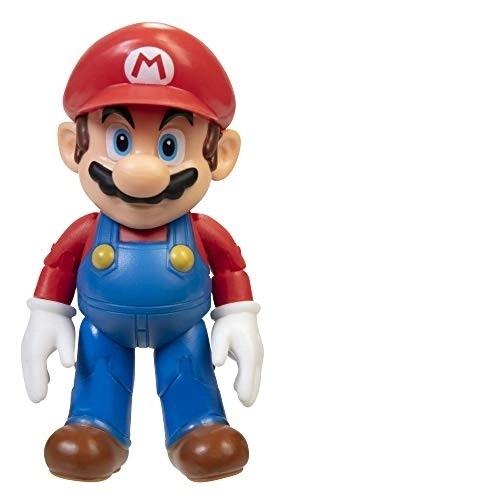
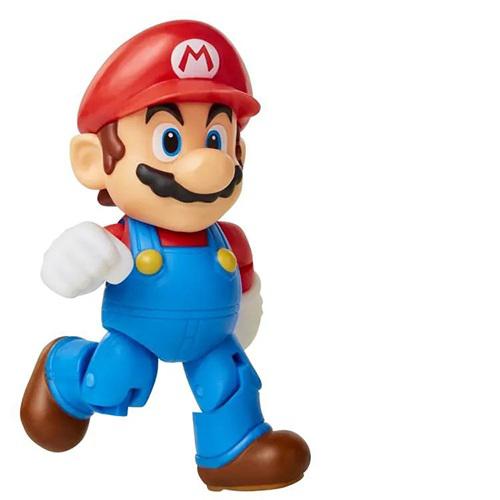
mario action figure on Stable Diffusion via Dreambooth
model by misas4444
This your the Stable Diffusion model fine-tuned the mario action figure concept taught to Stable Diffusion with Dreambooth.
It can be used by modifying the instance_prompt: a photo of sks action figure
You can also train your own concepts and upload them to the library by using this notebook.
And you can run your new concept via diffusers: Colab Notebook for Inference, Spaces with the Public Concepts loaded
Here are the images used for training this concept:
..
- Downloads last month
- 4