

import torch
from diffusers import DiffusionPipeline

# switch to "mps" for apple devices
pipe = DiffusionPipeline.from_pretrained("sd-dreambooth-library/mexican-concha", dtype=torch.bfloat16, device_map="cuda")

prompt = "Astronaut in a jungle, cold color palette, muted colors, detailed, 8k"
image = pipe(prompt).images[0]mexican_concha on Stable Diffusion via Dreambooth
model by MrHidden
This your the Stable Diffusion model fine-tuned the mexican_concha concept taught to Stable Diffusion with Dreambooth.
It can be used by modifying the instance_prompt: a photo of sks Mexican Concha
You can also train your own concepts and upload them to the library by using this notebook.
And you can run your new concept via diffusers: Colab Notebook for Inference, Spaces with the Public Concepts loaded
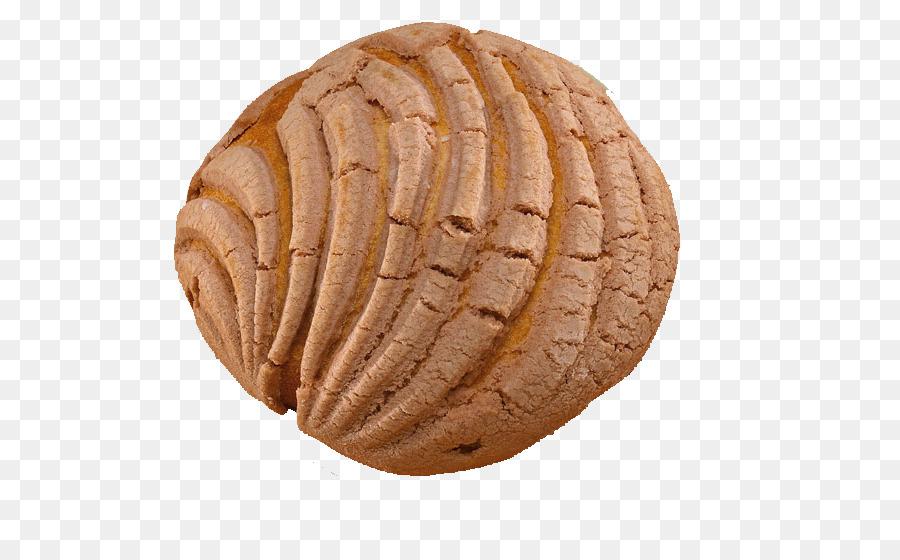
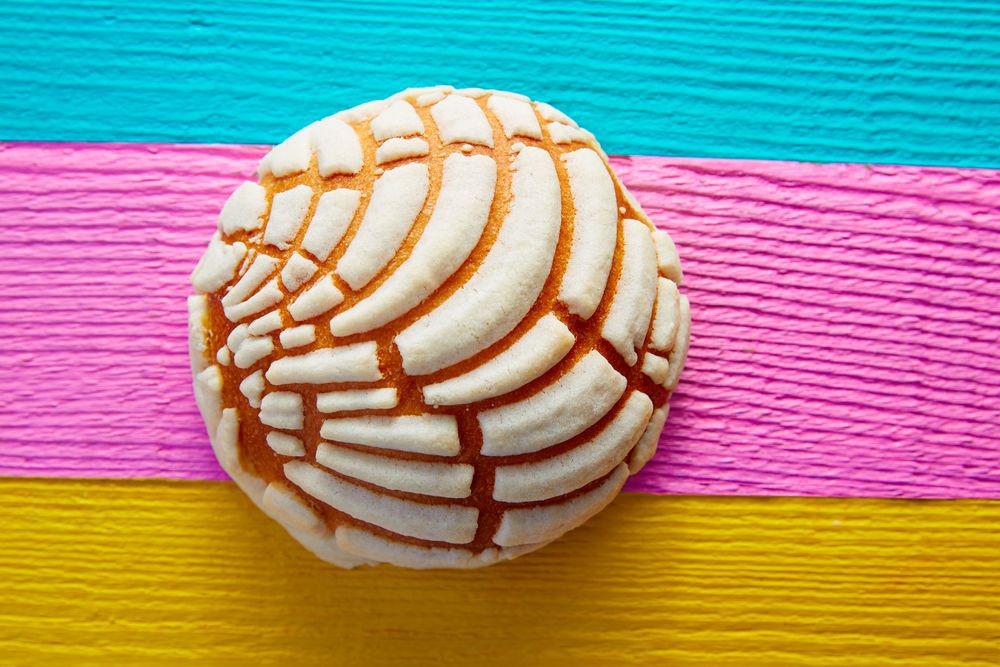
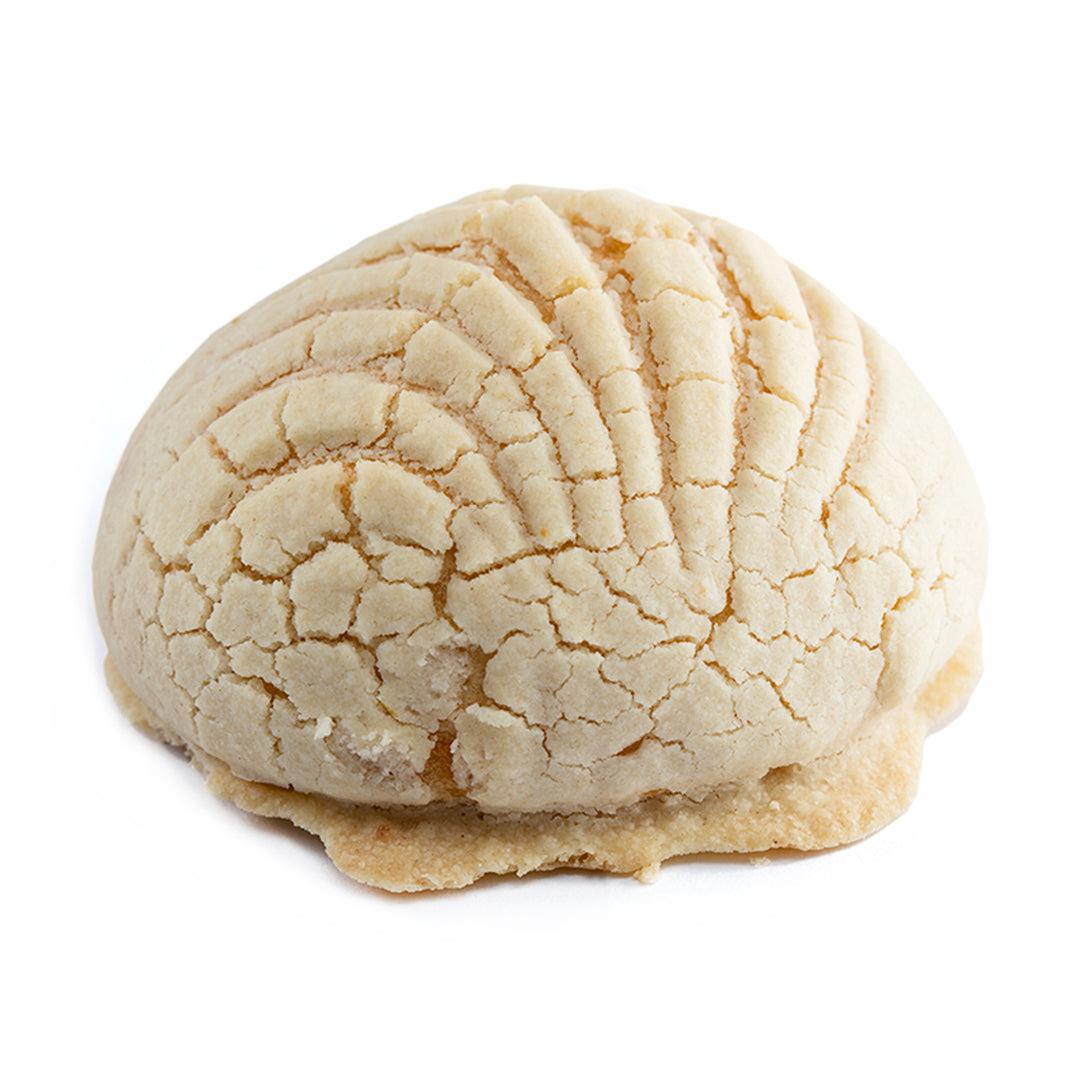
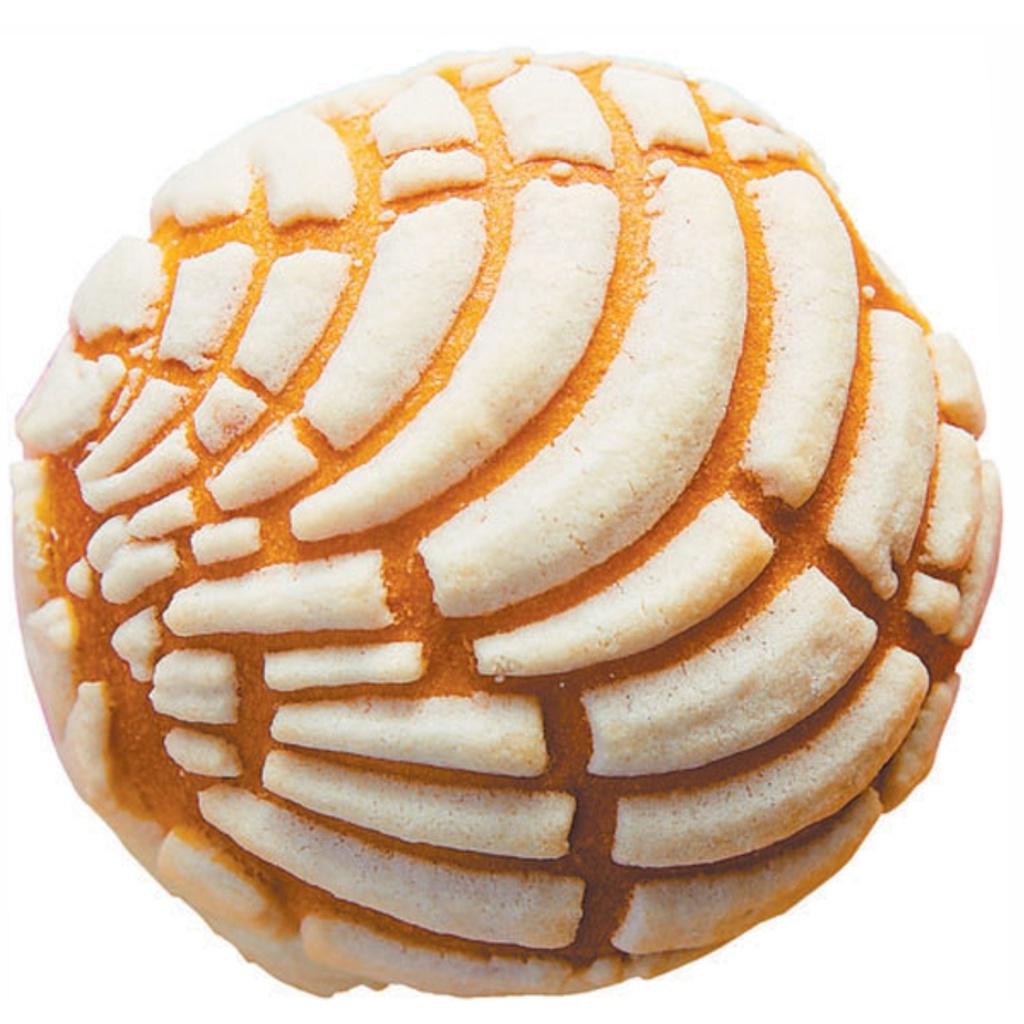
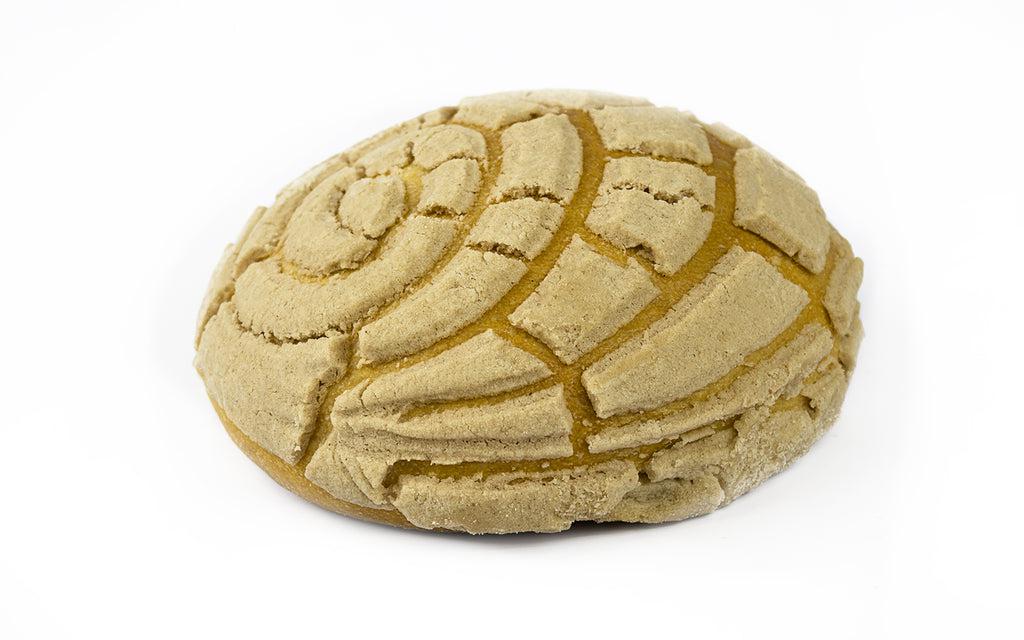
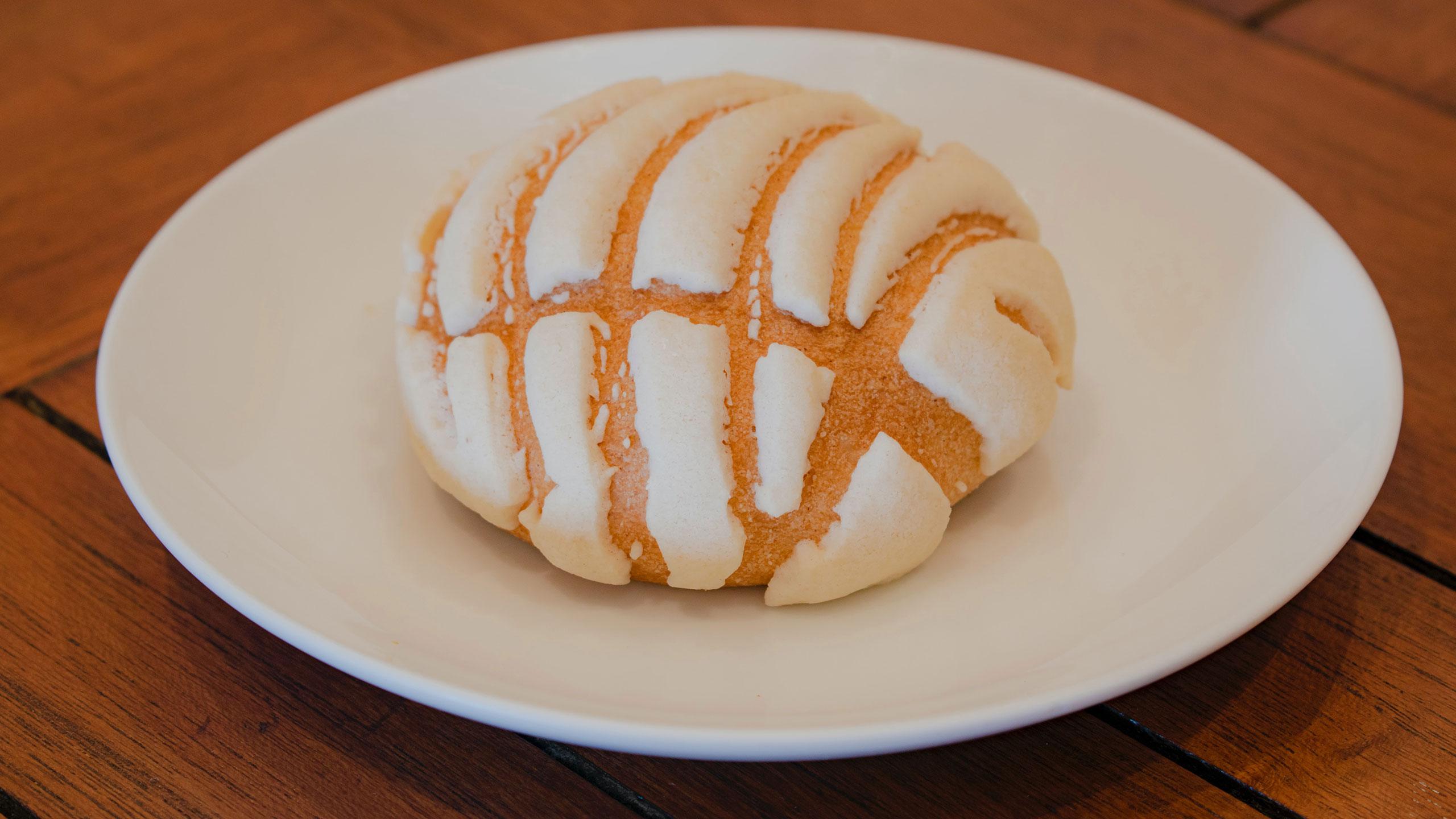
Here are the images used for training this concept:


- Downloads last month
- 1