|
|
--- |
|
|
title: S13 |
|
|
emoji: 🐨 |
|
|
colorFrom: indigo |
|
|
colorTo: blue |
|
|
sdk: gradio |
|
|
sdk_version: 4.28.0 |
|
|
app_file: app.py |
|
|
pinned: false |
|
|
license: mit |
|
|
--- |
|
|
# Pytorch LIghtning Model Trained for CIFAR10 |
|
|
|
|
|
- This application showcases the inference capabilities of a model trained on the CIFAR dataset. |
|
|
- The architecture utilized is based on Kaiming He, Xiangyu Zhang, Shaoqing Ren, and Jian Sun's work on Deep Residual Learning for Image Recognition (arXiv:1512.03385). |
|
|
- It has been recreated and trained on the CIFAR10 dataset, achieving an accuracy of 85%+ within 24 epochs. The training process was accelerated using the One Cycle Policy technique. The model implementation is done using PyTorch Lightning. |
|
|
- The model is coded using PyTorch Lightning 2.2.2. |
|
|
|
|
|
Mentioned below is the link for Training Repository [Training Repo Link](https://github.com/Shivdutta/ERA2-Session13) |
|
|
|
|
|
- Following the training process, the model is saved locally and then uploaded to Gradio Spaces. |
|
|
- Attached below is the link to [download model file](https://huggingface.co/spaces/Shivdutta/S13/blob/main/model.pth) |
|
|
|
|
|
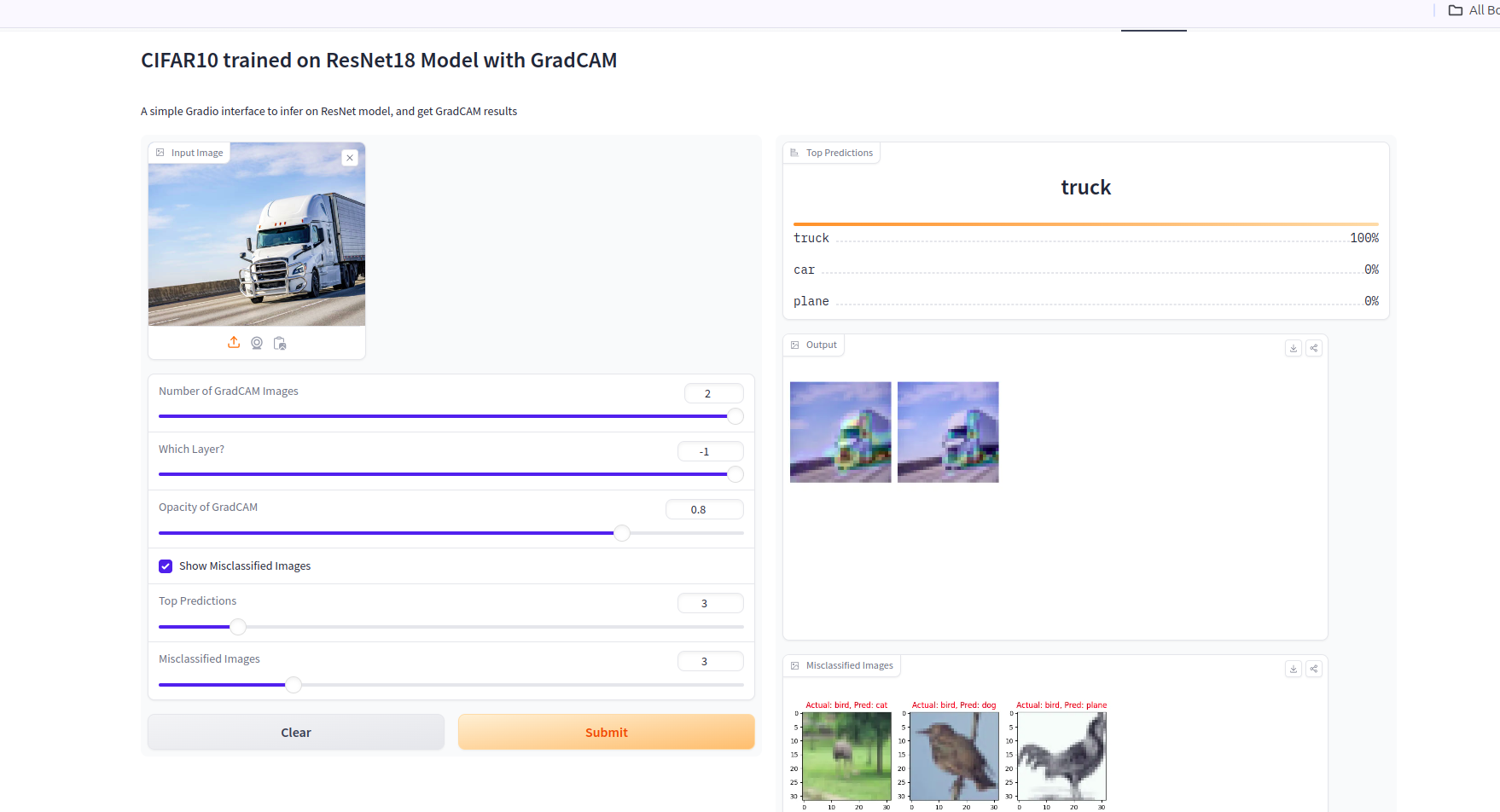
- This app has two features : |
|
|
|
|
|
- **GradCam:** |
|
|
" - To visualize the specific regions of the image that the model focuses on during inference |
|
|
- This insight can guide the development of augmentation strategies aimed at enhancing model accuracy" |
|
|
- **Misclassified Image:** |
|
|
- Despite achieving a test accuracy of over 85% during model training, there remained a 12% misclassification rate for certain images. |
|
|
- This feature facilitates the visualization of misclassified images alongside their correct and incorrect labels. |
|
|
- Such visualization aids in devising strategies to enhance accuracy, especially for specific classes." |
|
|
|
|
|
## Usage: |
|
|
|
|
|
### GradCam |
|
|
|
|
|
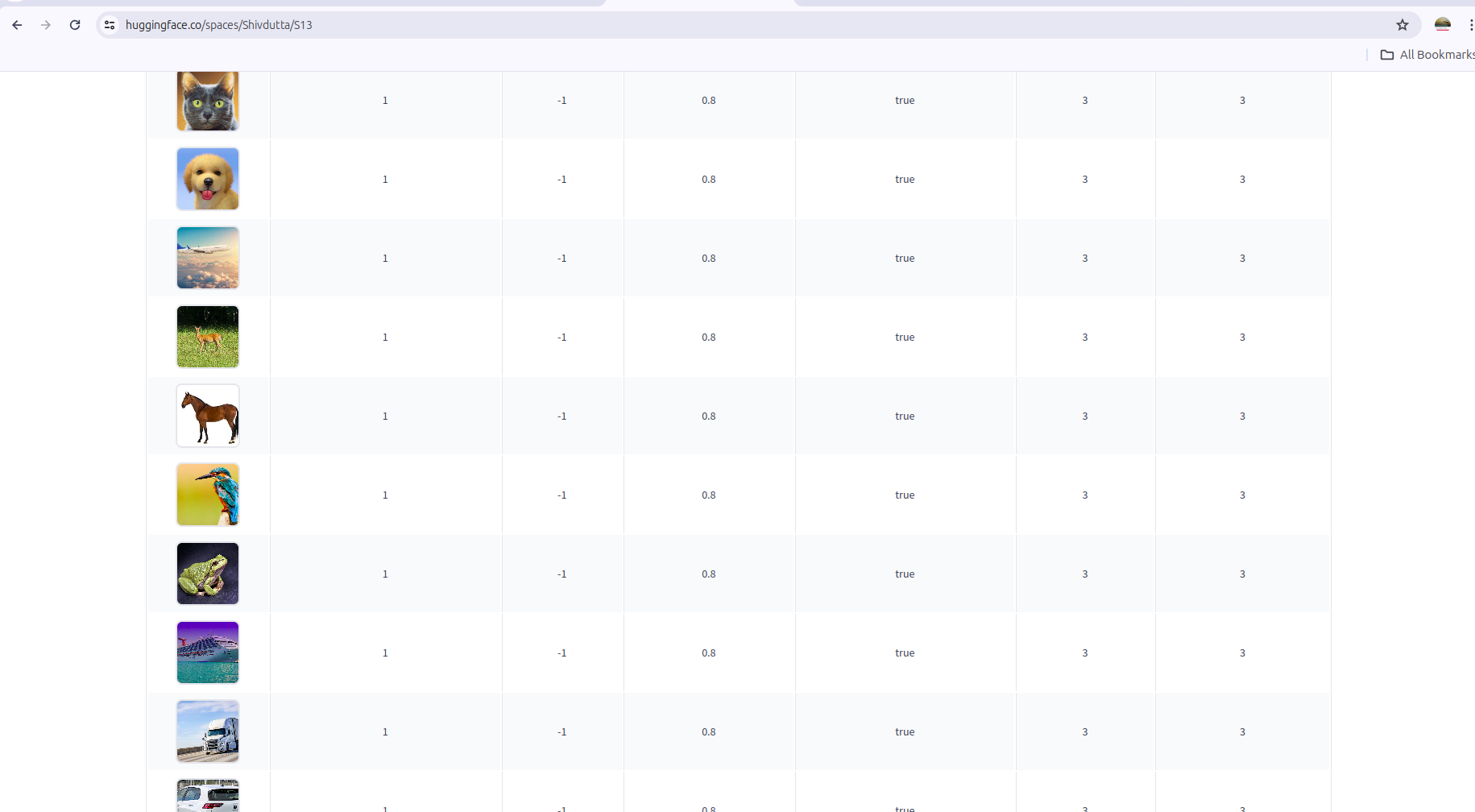
- Upload an image or choose from predefined examples. |
|
|
- Adjust the opacity. |
|
|
- Specify the number of top classes you wish to view. |
|
|
- Click the 'Submit' button to generate the results." |
|
|
|
|
|
### Misclassified Images |
|
|
|
|
|
- Select the number of misclassified images you want to see |
|
|
- Click on `Display Misclassified Images` to show the images in the center and their respective correct and misclassified labels in the sequence |
|
|
|
|
|
 |
|
|
 |
|
|
Thank you |
|
|
|
|
|
|

