
Spaces:
Paused

Paused

Agent Service
Agent service is a FastAPI-based, multi-tenant and multi-session service built with AgentScope 2.0.
This example demonstrates
- how to set up the agent service with Redis storage, and
- how to launch the service and its companion Web UI
Details about the agent service please refer to the tutorial.
Prerequisites
- Python ≥ 3.11
- Node.js ≥ 20 with
npx - [optional] Gaode/AMap API key in
AMAP_API_KEY(for theamapMCP)
Quickstart
Install AgentScope from PyPI or source:
uv pip install agentscope[full]
# or
# uv pip install -e [full]
Install Redis and start it as backend storage:
# macOS (Homebrew)
brew install redis
brew services start redis

# Linux (systemd)
sudo apt install redis-server
sudo systemctl start redis-server

# Docker (cross-platform)
docker run --rm -p 6379:6379 redis:7
Start the agent service:
cd examples/agent_service

python main.py
Launch the Web UI in a separate terminal to experience a chat-style interface:
cd examples/web_ui/

pnpm install
# or npm install

# Run in dev mode
pnpm dev
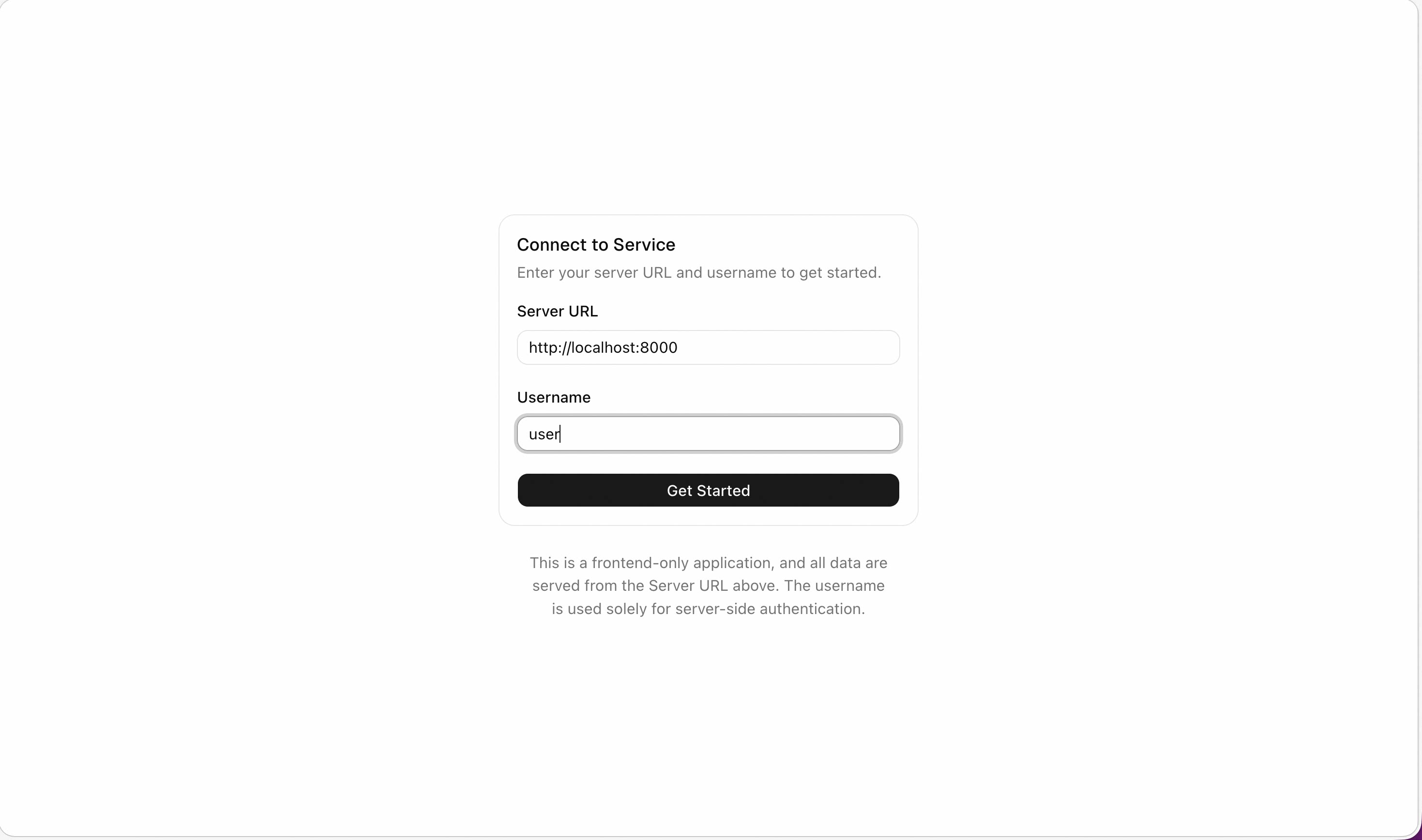
After that, you can set the API endpoint http://localhost:8000 in the Web UI and start experiencing the agent service.
What Next
You can customize the service in
main.pyby adding your own MCPs, middlewares, or workspace manager implementations.Experience the agent service, including
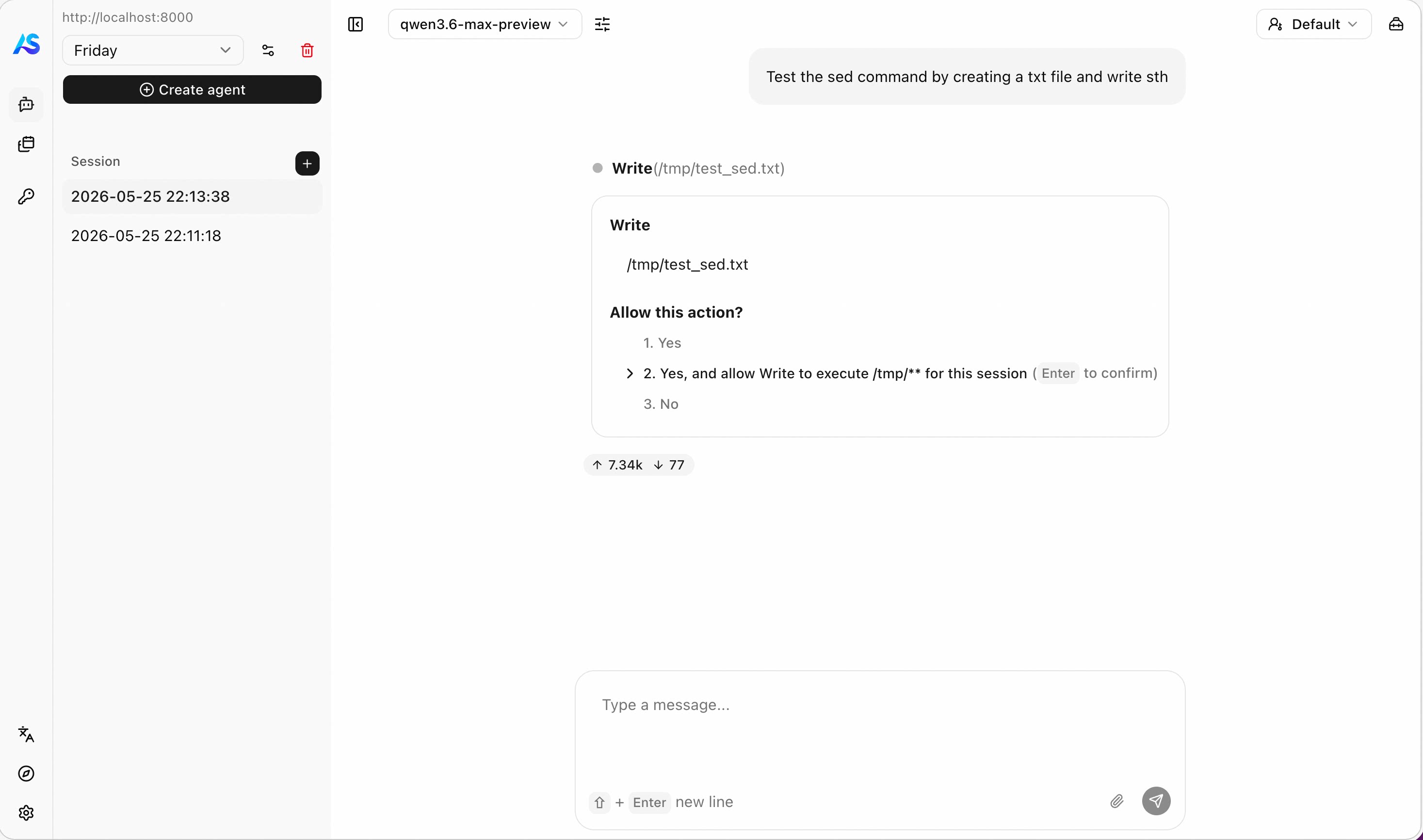
human-in-the-loop interactions & permission system
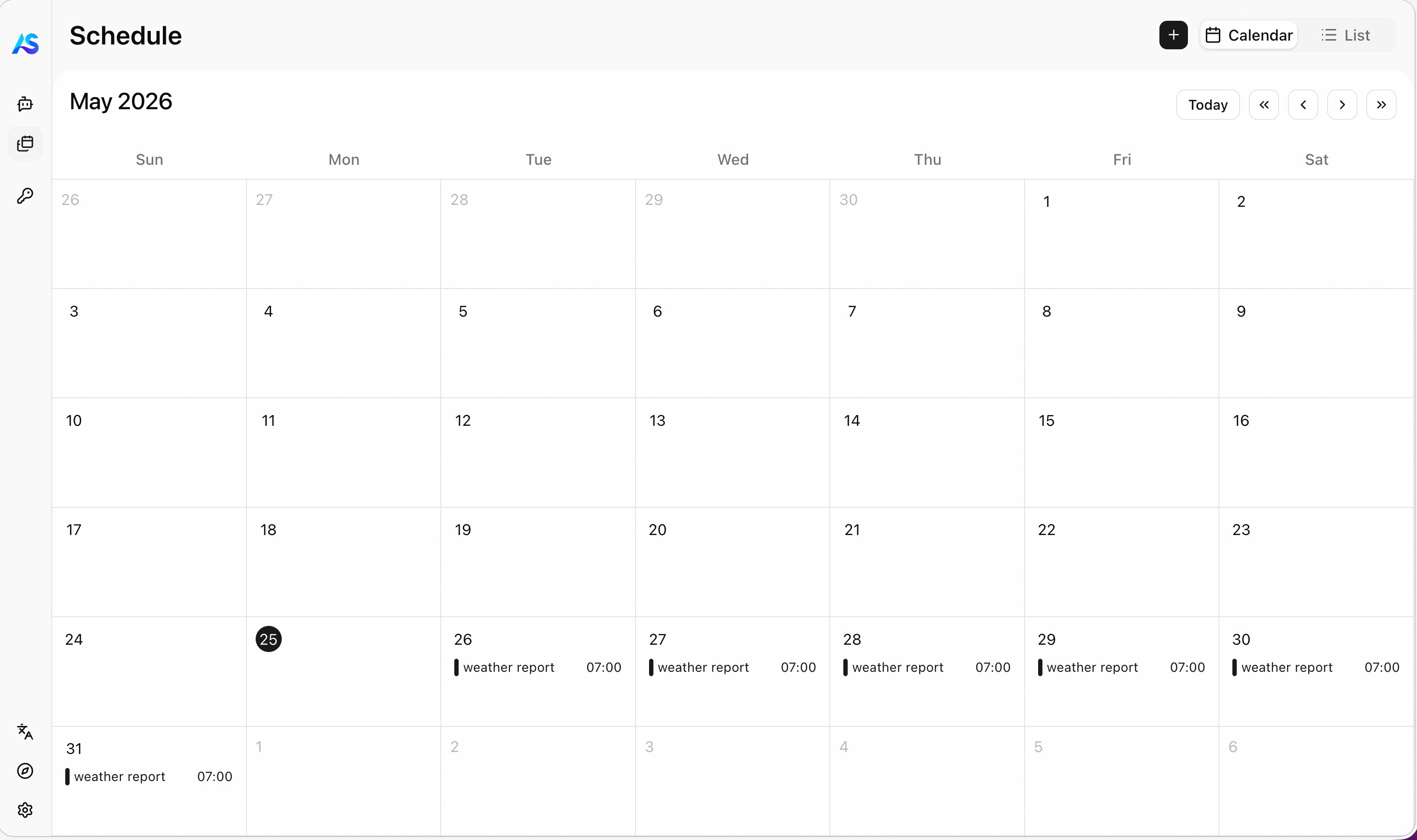
schedule tasks
- and more! (stay tuned for future updates)