| <i>Note macOS can also run the source code if it didn't work.</i> |
|
|
| 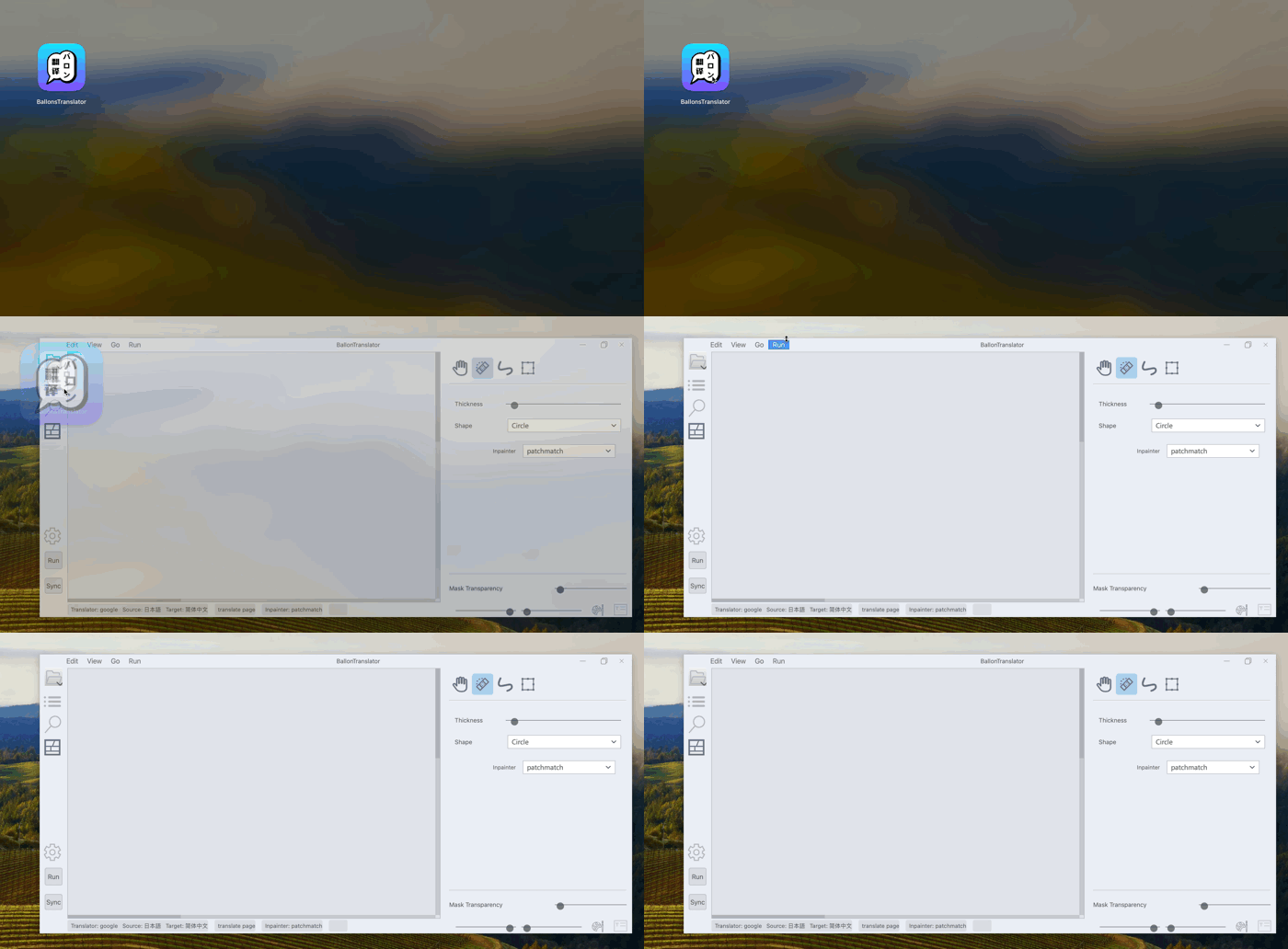 |
|
|
| #### 1. Preparation |
| - Download libs and models from [MEGA](https://mega.nz/folder/gmhmACoD#dkVlZ2nphOkU5-2ACb5dKw "MEGA") or [Google Drive](https://drive.google.com/drive/folders/1uElIYRLNakJj-YS0Kd3r3HE-wzeEvrWd?usp=sharing) |
|
|
|
|
| <img width="1268" alt="截屏2023-09-08 13 44 55_7g32SMgxIf" src="https://github.com/dmMaze/BallonsTranslator/assets/134026642/40fbb9b8-a788-4a6e-8e69-0248abaee21a"> |
|
|
| - Put all the downloaded resources into a folder called data, the final directory tree structure should look like: |
|
|
| ``` |
| data |
| ├── libs |
| │ └── patchmatch_inpaint.dll |
| └── models |
| ├── aot_inpainter.ckpt |
| ├── comictextdetector.pt |
| ├── comictextdetector.pt.onnx |
| ├── lama_mpe.ckpt |
| ├── manga-ocr-base |
| │ ├── README.md |
| │ ├── config.json |
| │ ├── preprocessor_config.json |
| │ ├── pytorch_model.bin |
| │ ├── special_tokens_map.json |
| │ ├── tokenizer_config.json |
| │ └── vocab.txt |
| ├── mit32px_ocr.ckpt |
| ├── mit48pxctc_ocr.ckpt |
| └── pkuseg |
| ├── postag |
| │ ├── features.pkl |
| │ └── weights.npz |
| ├── postag.zip |
| └── spacy_ontonotes |
| ├── features.msgpack |
| └── weights.npz |
| |
| 7 directories, 23 files |
| ``` |
|
|
| - Install pyenv command line tool for managing Python versions. Recommend installing via Homebrew. |
| ``` |
| # Install via Homebrew |
| brew install pyenv |
| |
| # Install via official script |
| curl https://pyenv.run | bash |
| |
| # Set shell environment after install |
| echo 'export PYENV_ROOT="$HOME/.pyenv"' >> ~/.zshrc |
| echo 'command -v pyenv >/dev/null || export PATH="$PYENV_ROOT/bin:$PATH"' >> ~/.zshrc |
| echo 'eval "$(pyenv init -)"' >> ~/.zshrc |
| ``` |
|
|
|
|
| #### 2、Build the application |
| ``` |
| # Enter the `data` working directory |
| cd data |
| |
| # Clone the `dev` branch of the repo |
| git clone -b dev https://github.com/dmMaze/BallonsTranslator.git |
| |
| # Enter the `BallonsTranslator` working directory |
| cd BallonsTranslator |
| |
| # Run the build script, will ask for password at pyinstaller step, enter password and press enter |
| sh scripts/build-macos-app.sh |
| ``` |
| > 📌The packaged app is at ./data/BallonsTranslator/dist/BallonsTranslator.app, drag the app to macOS application folder to install. Ready to use out of box without extra Python config. |
|
|
|
|
| </details> |

