
Spaces:
Build error

Build error
| comments: true | |
| description: Kickstart your journey with Ultralytics HUB. Learn how to train and deploy YOLOv5 and YOLOv8 models in seconds with our Quickstart guide. | |
| keywords: Ultralytics HUB, Quickstart, YOLOv5, YOLOv8, model training, quick deployment, drag-and-drop interface, real-time object detection | |
| # Quickstart Guide for Ultralytics HUB | |
| HUB is designed to be user-friendly and intuitive, with a drag-and-drop interface that allows users to easily upload their data and train new models quickly. It offers a range of pre-trained models and templates to choose from, making it easy for users to get started with training their own models. Once a model is trained, it can be easily deployed and used for real-time object detection, instance segmentation and classification tasks. | |
| <p align="center"> | |
| <br> | |
| <iframe loading="lazy" width="720" height="405" src="https://www.youtube.com/embed/lveF9iCMIzc?si=_Q4WB5kMB5qNe7q6" | |
| title="YouTube video player" frameborder="0" | |
| allow="accelerometer; autoplay; clipboard-write; encrypted-media; gyroscope; picture-in-picture; web-share" | |
| allowfullscreen> | |
| </iframe> | |
| <br> | |
| <strong>Watch:</strong> Train Your Custom YOLO Models In A Few Clicks with Ultralytics HUB. | |
| </p> | |
| ## Creating an Account | |
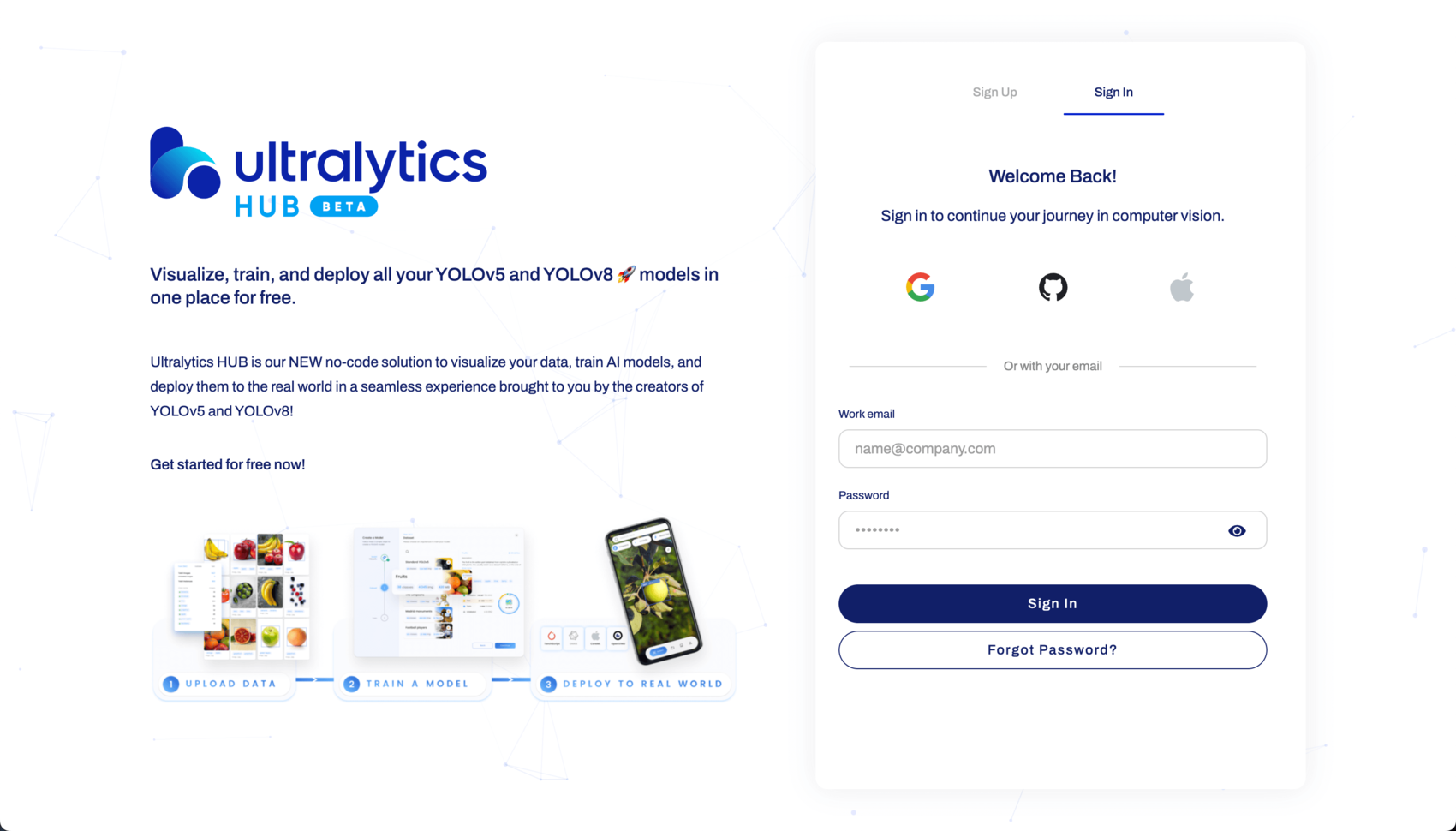
| [Ultralytics HUB](https://hub.ultralytics.com/) offers multiple easy account creation options. Users can register and sign in using Google, Apple, GitHub accounts, or a work email address. | |
|  | |
| ## The Dashboard | |
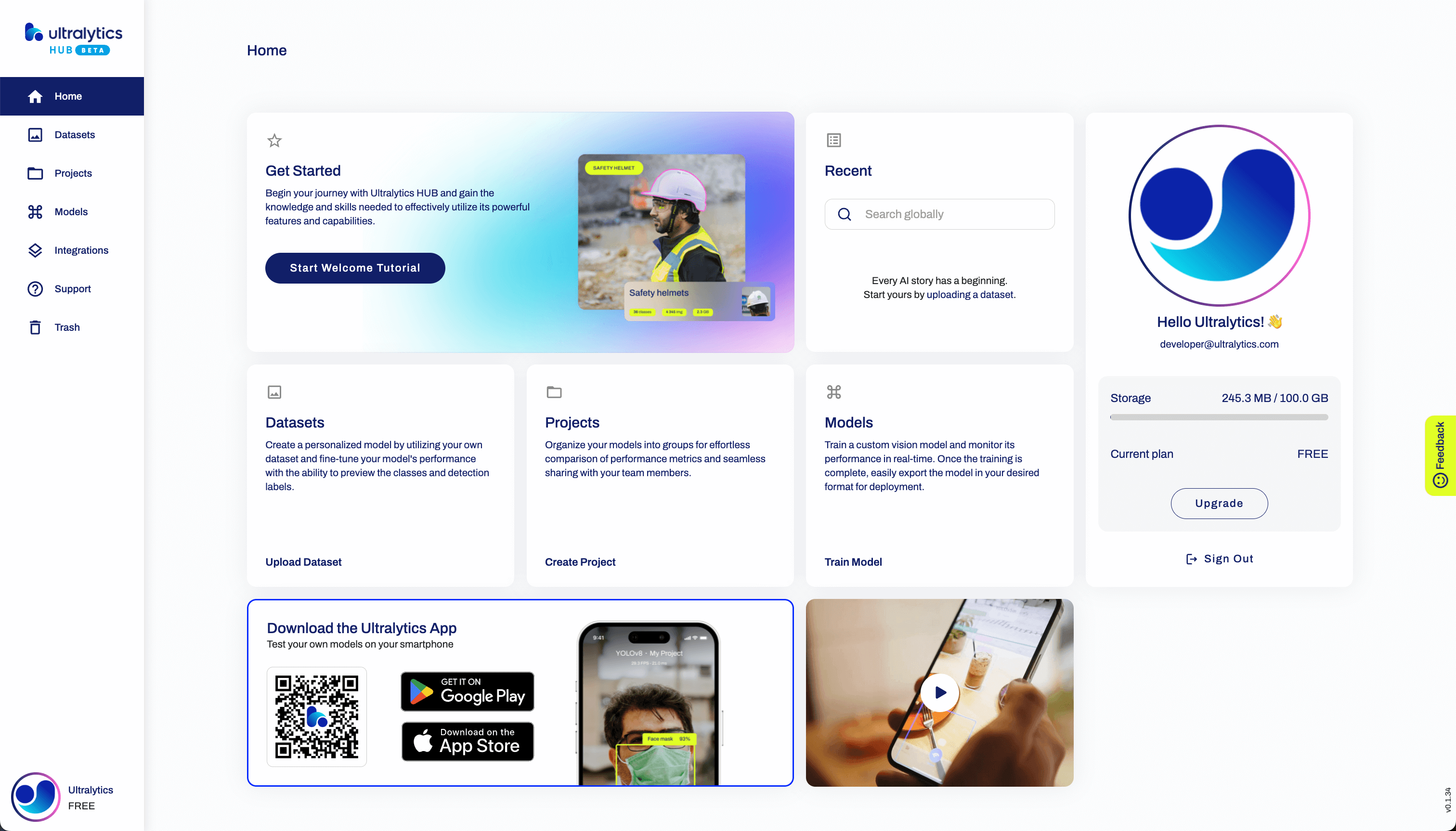
| Upon logging in, users are directed to the HUB dashboard, providing a comprehensive overview. The left pane conveniently offers links for tasks such as Uploading Datasets, Creating Projects, Training Models, Integrating Third-party Applications, Accessing Support, and Managing Trash. | |
|  | |
| ## Selecting the Model | |
| Choose a Dataset and train the model by selecting the Project name, Model name, and Architecture. Ultralytics offers a range of YOLOv8, YOLOv5, and YOLOv5u6 Architectures, including pre-trained and custom options. | |
| Read more about Models on the [HUB Models page](models.md). | |
| ## Training the Model | |
| There are three ways to train your model: using Google Colab, training locally, or through Ultralytics Cloud. Learn more about training options on the [Cloud Training Page](cloud-training.md). | |
| ## Integrating the Model | |
| Integrate your trained model with third-party applications or connect HUB from an external agent. Ultralytics HUB currently supports simple one-click API Integration with Roboflow. Read more about integration on the [Integration Page](integrations.md). | |
| ## Need Help? | |
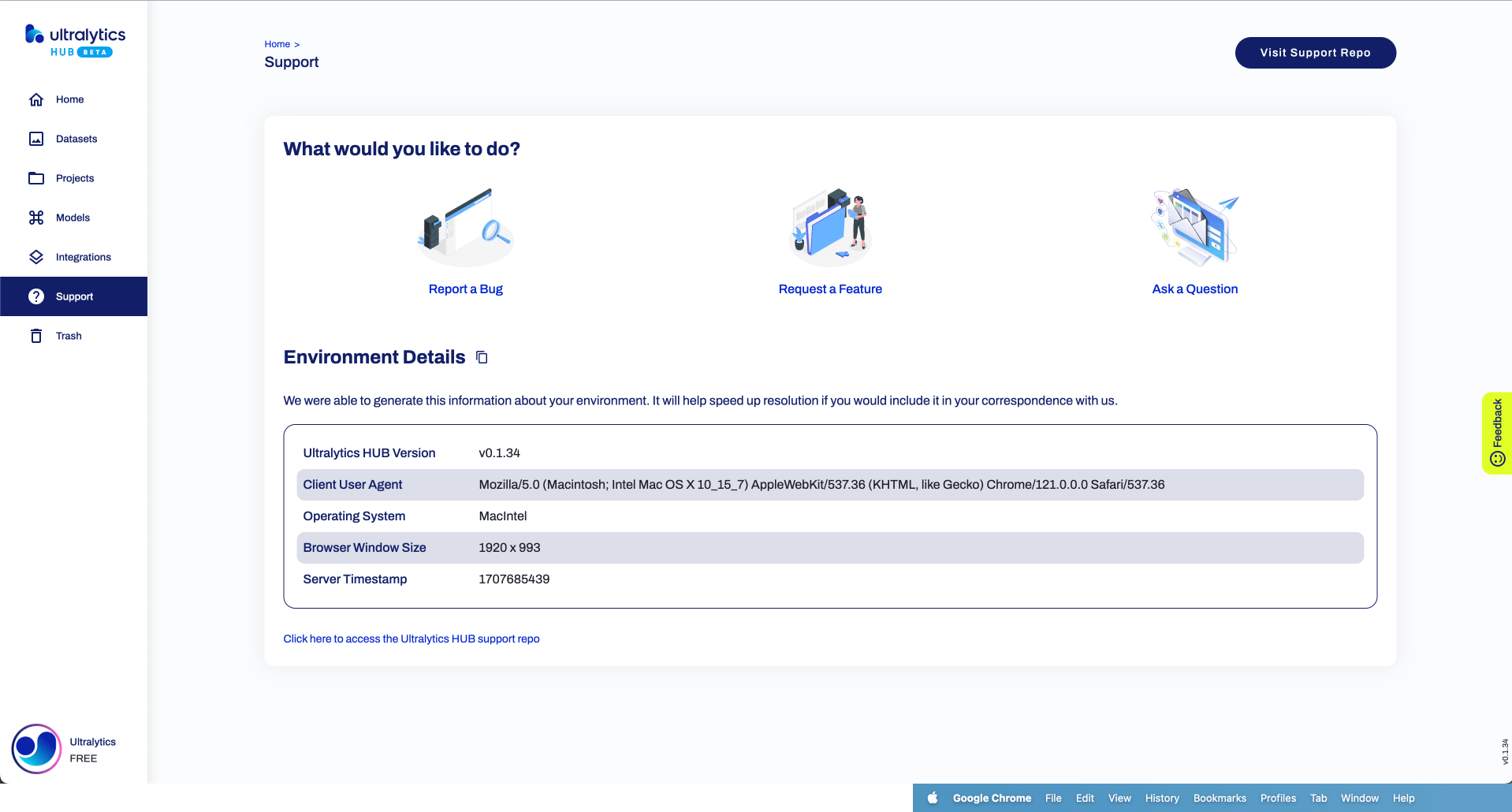
| If you encounter any issues or have questions, we're here to assist you. You can report a bug, request a feature, or ask a question. | |
|  | |
| ## Data Management | |
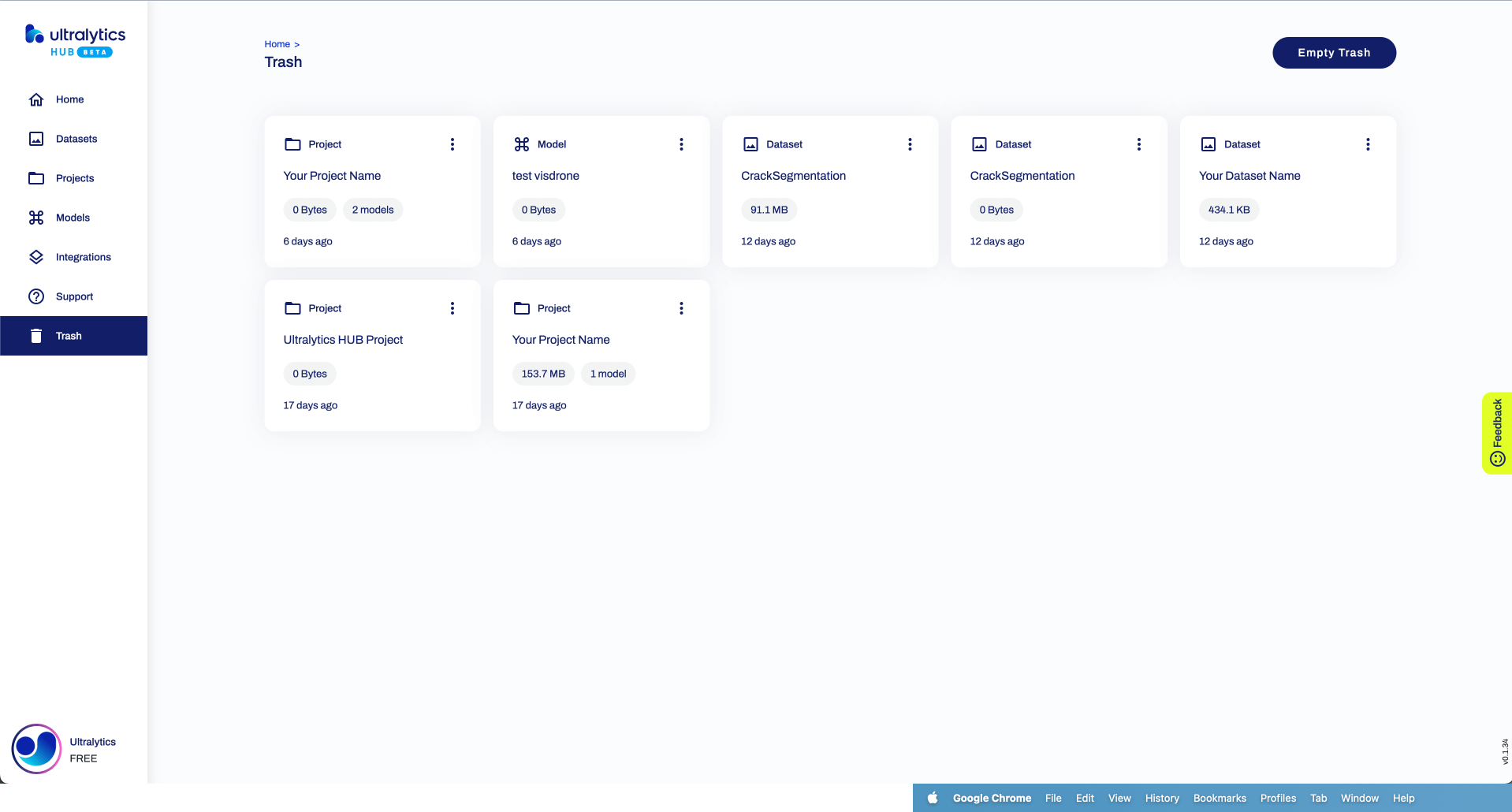
| Manage your datasets efficiently with options to restore or permanently delete them from the Trash section in the left column. | |
|  | |