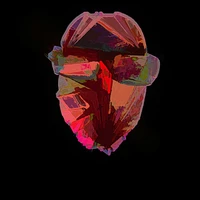
Instructions to use uisato/Gorillaz_Diffusion with libraries, inference providers, notebooks, and local apps. Follow these links to get started.
- Libraries
- Diffusers
How to use uisato/Gorillaz_Diffusion with Diffusers:
pip install -U diffusers transformers accelerate
import torch from diffusers import DiffusionPipeline # switch to "mps" for apple devices pipe = DiffusionPipeline.from_pretrained("uisato/Gorillaz_Diffusion", dtype=torch.bfloat16, device_map="cuda") prompt = "Astronaut in a jungle, cold color palette, muted colors, detailed, 8k" image = pipe(prompt).images[0] - Notebooks
- Google Colab
- Kaggle
- Local Apps Settings
- Draw Things
- DiffusionBee
Commit History
-
Update README.md
dc98186 -
Update README.md
7d2b035 -
Update README.md
7371b4e -
Update README.md
a336f76 -
Upload GorillazDiffusion_v1.safetensors
39013ad
-
Update README.md
Gorillaz-inspired Stable Diffusion model. Though trained with images of Gorillaz in the old days, it works surprisingly good when asked to generate 3D examples. For more experiments, project files, and hopefully cool tips/tutorials: https://linktr.ee/uisato For commercial uses, contact me. Examples: text-to-image: https://www.youtube.com/watch?v=HwK2pO78H9I img2img:  6acdf27 -
initial commit
b0b7cd8