
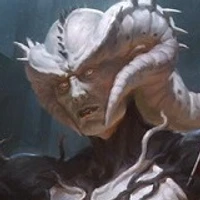
Halftone artefacts

Hi, this is very impressive. What do you think about the viability of pre-processing the training data and removing scanning artefacts (halftone/rosette)?
It shows up in the results of this model. A partial solution is to apply a halftone-removing patch after image generation, but maybe the altered data set would yield better results?
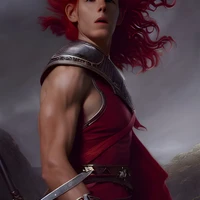
You can delete most of it adding "(Grain)" to the negative prompt or using a secondary model for the last touches. ✨
While that's true it doesn't grant the best results. Instead I trained a custom model on a similar dataset but without the artefacts here https://huggingface.co/rullaf/magic-diffusion, and I also trained a post-processing upscaling model that removes the rosetta in https://huggingface.co/rullaf/RealESRGAN_MtG