|
|
--- |
|
|
language: |
|
|
- en |
|
|
thumbnail: "https://huggingface.co/wavymulder/CollageXL/resolve/main/imgs/grid2.jpg" |
|
|
license: creativeml-openrail-m |
|
|
tags: |
|
|
- stable-diffusion |
|
|
- text-to-image |
|
|
- safetensors |
|
|
inference: false |
|
|
--- |
|
|
|
|
|
|
|
|
|
|
|
**CollageXL** |
|
|
 |
|
|
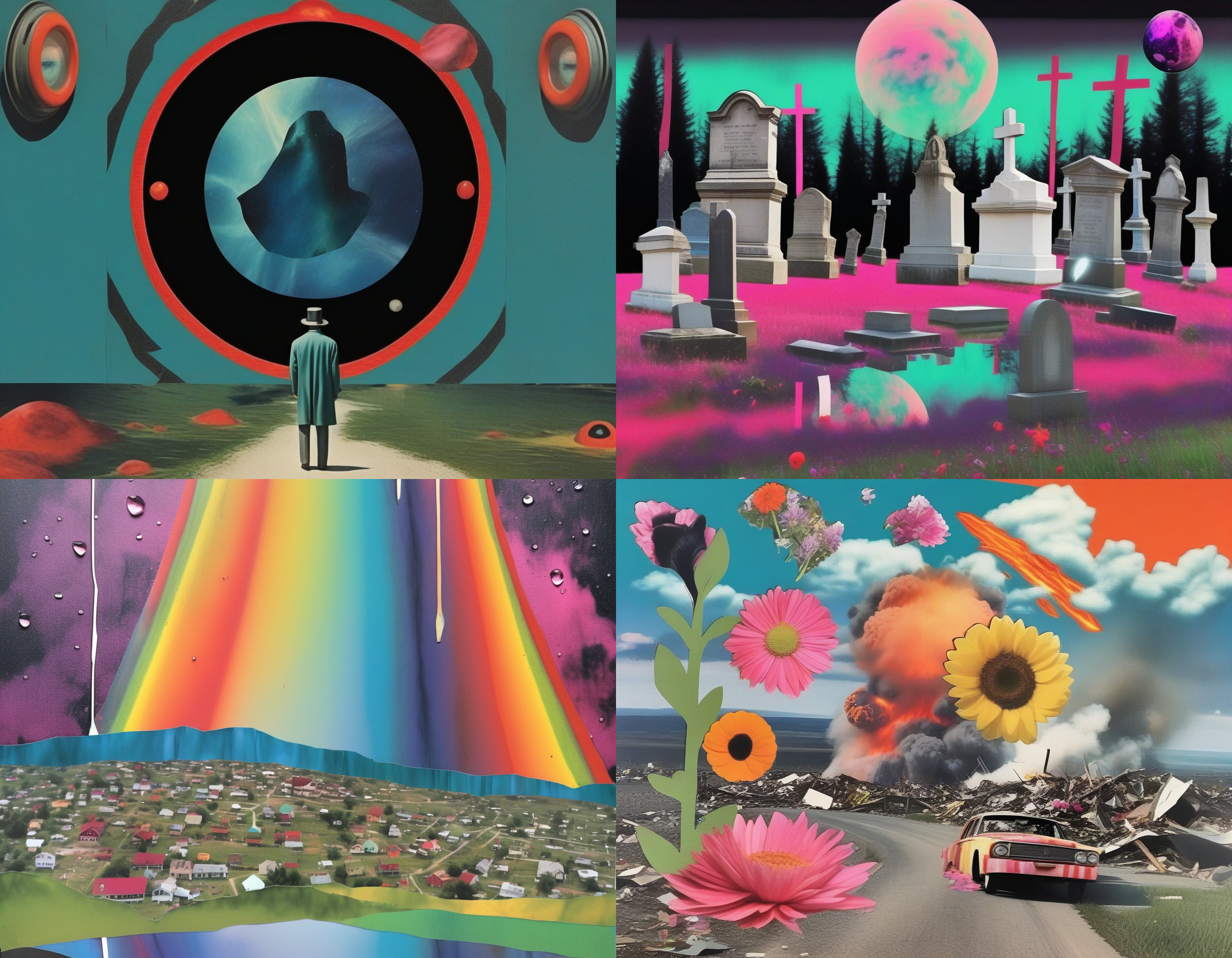
[*SAFETENSOR DOWNLOAD LINK (24.7 MB)*](https://huggingface.co/wavymulder/CollageXL/resolve/main/collageXL1.0.safetensors) - This is an SDXL LoRA trained on collage images. |
|
|
|
|
|
Use **collage style**, I recommend at the start of the prompt. |
|
|
|
|
|
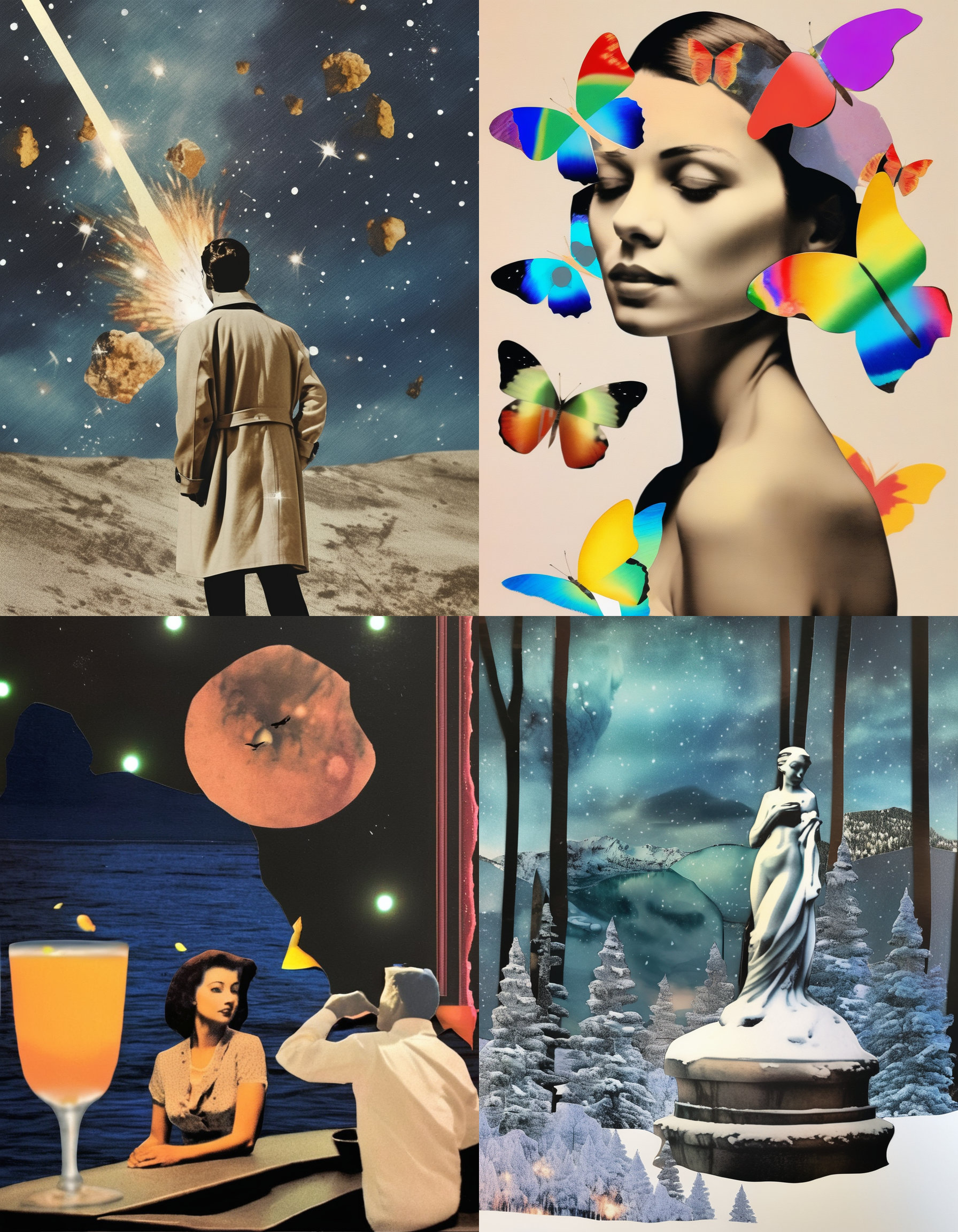
SDXL is much better at making collages than 1.5 was. This LoRA helps push SDXL towards making them a bit more analog. |
|
|
|
|
|
Compared to Collage Diffusion for 1.5, this LoRA is much more responsive to prompting. One drawback is that sometimes the LoRA will just give an image, without much "collage style". I find best results when my prompt includes two distinct visual elements. In general, the more creative/weird your prompt, the better the result. |
|
|
|
|
|
Can increase the "hand-made" effect with terms like "arts and craft", "cut and paste", "scrapbook". Can use these terms in negative for opposite effect, though this can also break the collage style. |
|
|
|
|
|
"sepia" in negative helps brighten up the colors and remove the vintage look. |
|
|
|
|
|
Please see [this document where I share the parameters (prompt, sampler, seed, etc.) used for all example images.](https://huggingface.co/wavymulder/CollageXL/resolve/main/parameters.txt) All samples are direct outputs from the base model + LoRA, no refiner pass or hi-res fix or anything else. |
|
|
|
|
|
|
|
|
|
|
|
 |
|
|
|