
Datasets:

Tasks:
Reinforcement Learning
Modalities:
Image
Formats:
imagefolder
Languages:
English
Size:
1K - 10K
License:

metadata
license: mit
language:
  - en
pretty_name: SLM-Lab Benchmark Results
tags:
  - reinforcement-learning
  - deep-learning
  - pytorch
task_categories:
  - reinforcement-learning
SLM Lab


Modular Deep Reinforcement Learning framework in PyTorch.
Documentation · Benchmark Results
NOTE: v5.0 updates to Gymnasium,
uvtooling, and modern dependencies with ARM support - see CHANGELOG.md.Book readers:
git checkout v4.1.1for Foundations of Deep Reinforcement Learning code.
 |
 |
 |
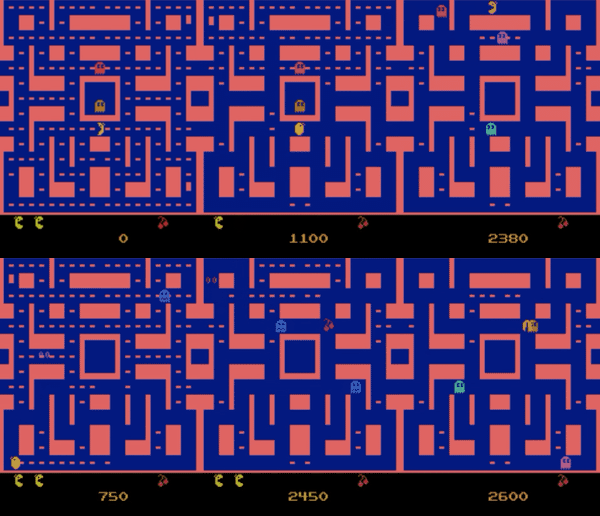 |
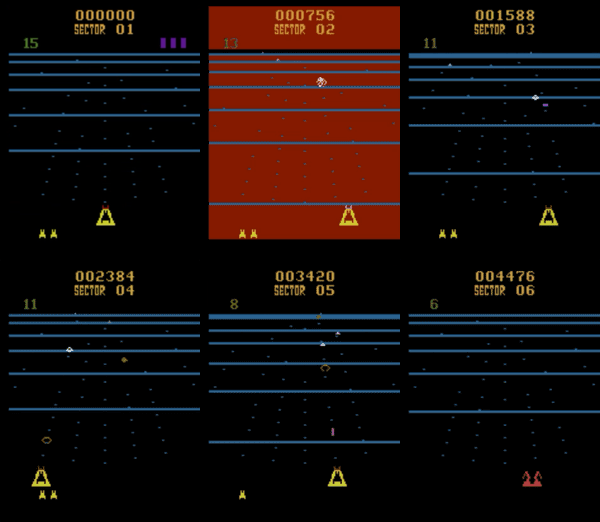
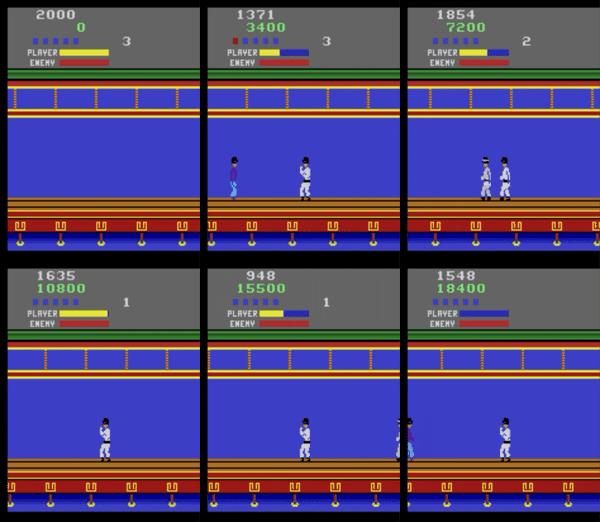
| BeamRider | Breakout | KungFuMaster | MsPacman |
 |
 |
 |
 |
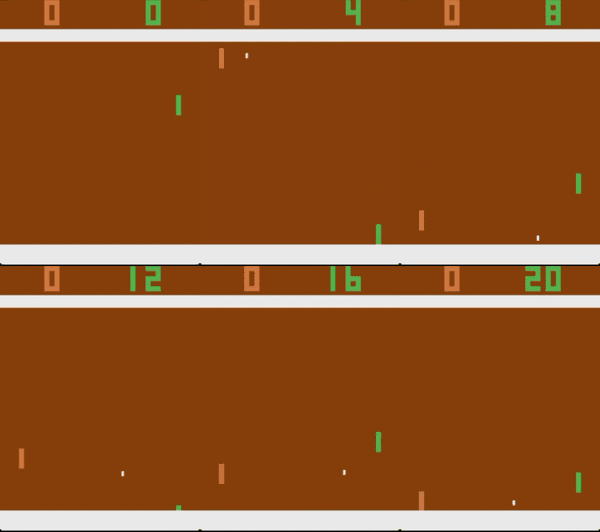
| Pong | Qbert | Seaquest | Sp.Invaders |
 |
 |
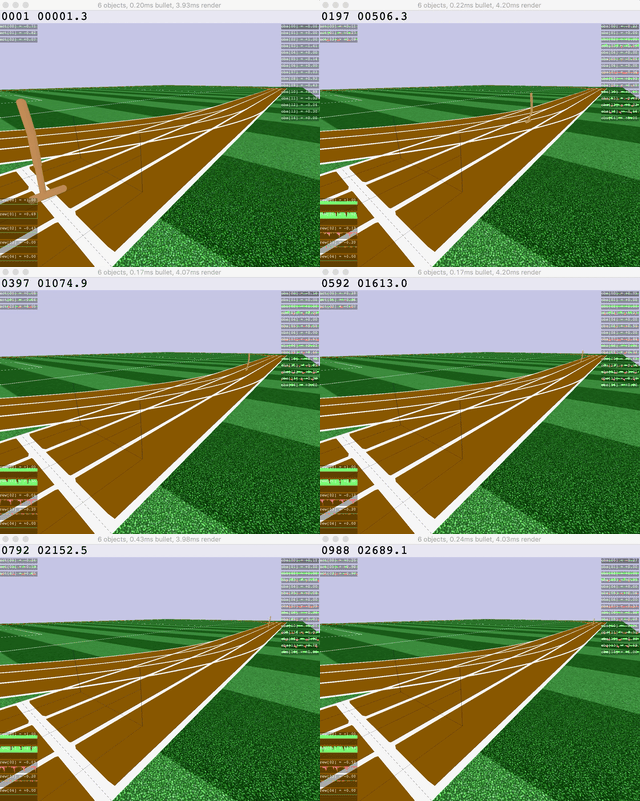 |
 |
| Ant | HalfCheetah | Hopper | Humanoid |
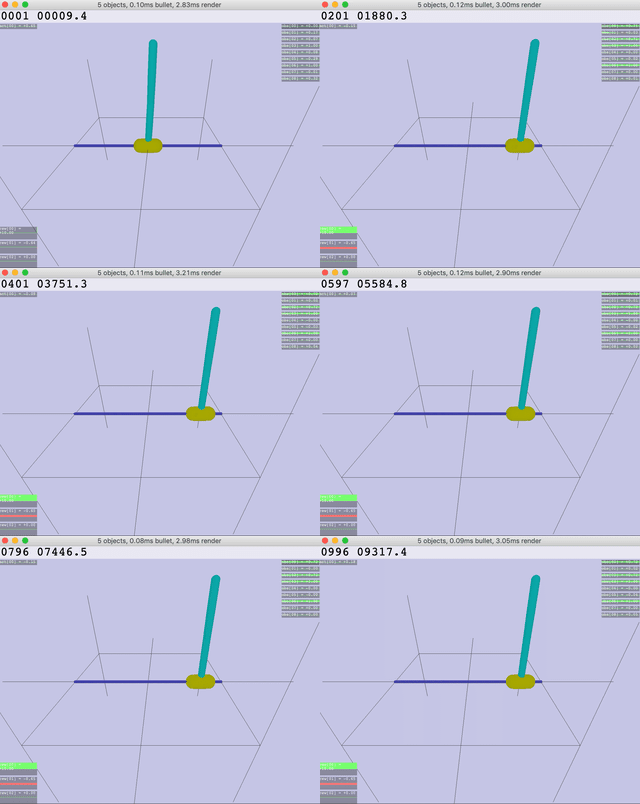 |
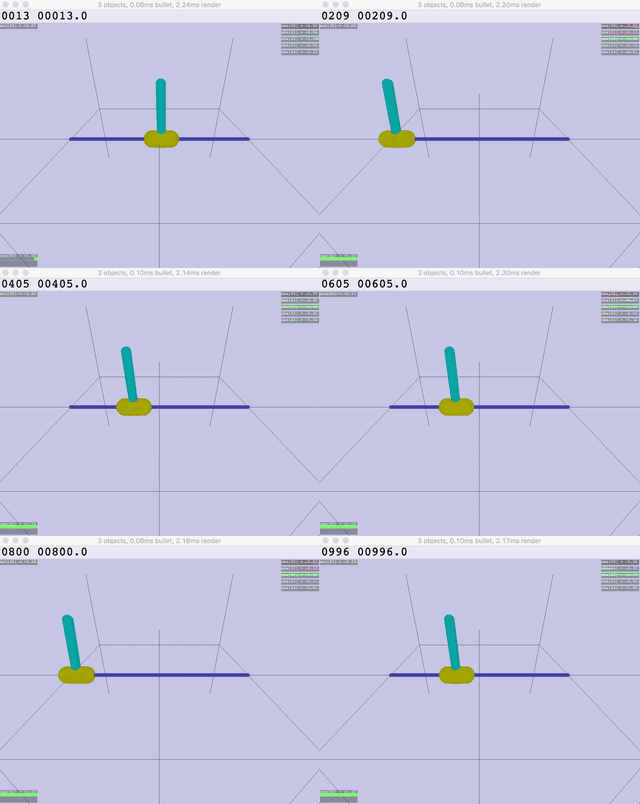 |
 |
 |
| Inv.DoublePendulum | InvertedPendulum | Reacher | Walker |
Quick Start
# Install
uv sync
uv tool install --editable .

# Run demo (PPO CartPole)
slm-lab run                                    # PPO CartPole
slm-lab run --render                           # with visualization

# Run custom experiment
slm-lab run spec.json spec_name train          # local training
slm-lab run-remote spec.json spec_name train   # cloud training (dstack)

# Help (CLI uses Typer)
slm-lab --help                                 # list all commands
slm-lab run --help                             # options for run command

# Troubleshoot: if slm-lab not found, use uv run
uv run slm-lab run
Features
- Algorithms: DQN, DDQN+PER, A2C, PPO, SAC and variants
- Environments: Gymnasium (Atari, MuJoCo, Box2D)
- Networks: MLP, ConvNet, RNN with flexible architectures
- Hyperparameter Search: ASHA scheduler with Ray Tune
- Cloud Training: dstack integration with auto HuggingFace sync
Cloud Training (dstack)
Run experiments on cloud GPUs with automatic result sync to HuggingFace.
# Setup
cp .env.example .env  # Add HF_TOKEN
uv tool install dstack  # Install dstack CLI
# Configure dstack server - see https://dstack.ai/docs/quickstart

# Run on cloud
slm-lab run-remote spec.json spec_name train           # CPU training (default)
slm-lab run-remote spec.json spec_name search          # CPU ASHA search (default)
slm-lab run-remote --gpu spec.json spec_name train     # GPU training (for image envs)

# Sync results
slm-lab pull spec_name    # Download from HuggingFace
slm-lab list              # List available experiments
Config options in .dstack/: run-gpu-train.yml, run-gpu-search.yml, run-cpu-train.yml, run-cpu-search.yml
Minimal Install (Orchestration Only)
For a lightweight box that only dispatches dstack runs, syncs results, and generates plots (no local ML training):
uv sync --no-default-groups
uv run --no-default-groups slm-lab run-remote spec.json spec_name train
uv run --no-default-groups slm-lab pull spec_name
uv run --no-default-groups slm-lab plot -f folder1,folder2