


DM05
Collection
Dexmal's next-generation Vision-Language-Action model (VLA) for open-world robot control. • 9 items • Updated • 4
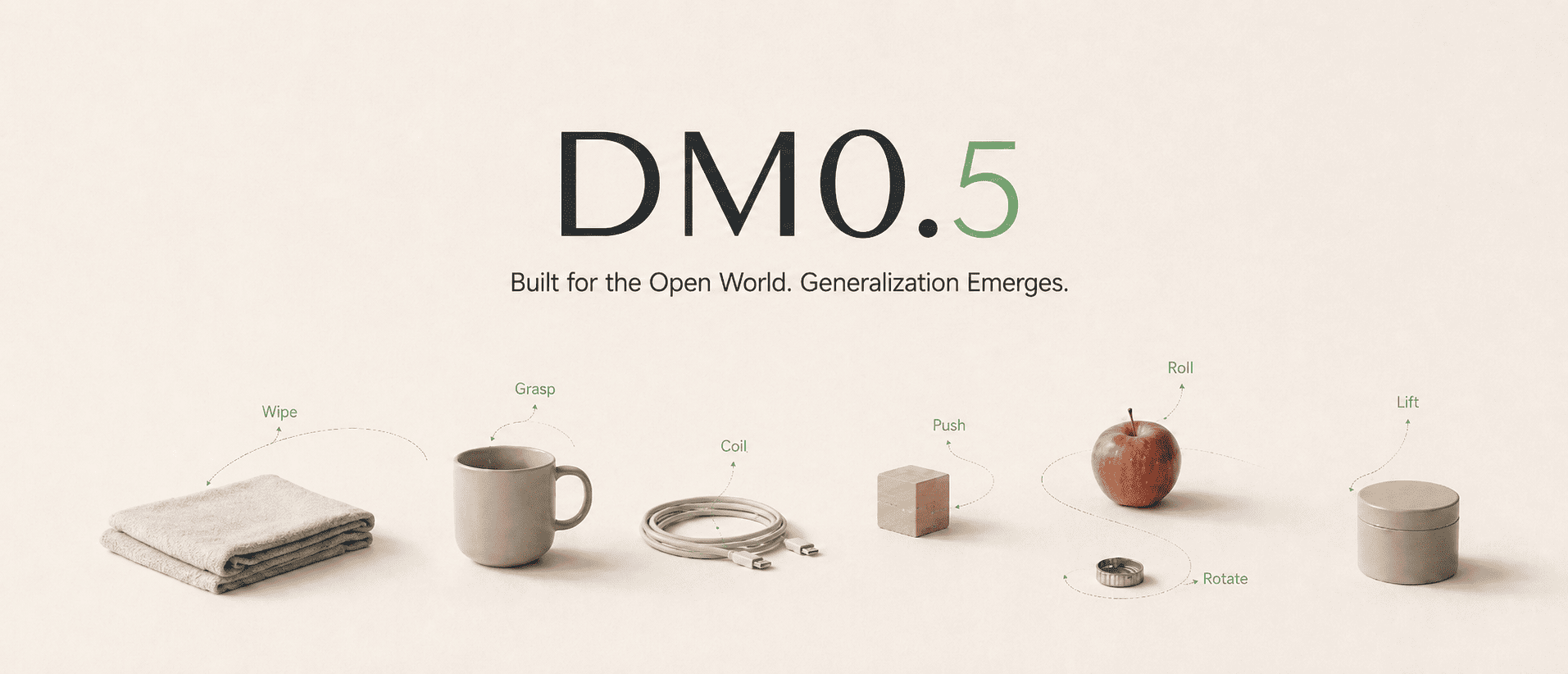





DM05-vla-arena is the VLA-Arena fine-tuned checkpoint of DM0.5, Dexmal's open-world Vision-Language-Action foundation model for embodied intelligence. DM0.5 uses a Gemma3 4B vision-language backbone with a 680M Action Expert to generate continuous robot actions, and is designed for natural-language manipulation, zero-shot generalization, efficient downstream fine-tuning, long-horizon historical context, robust policy behavior, and transfer across robot embodiments.
| Method | Metric | L0 | L1 | L2 |
|---|---|---|---|---|
| DM0.5 | SR | 89.0% | 53.6% | 44.1% |
| CC | 1.9 | 18.75 | 22.52 |
We recommend using Docker to set up the runtime environment first, which helps avoid version mismatches across CUDA, PyTorch, flash-attn, and other dependencies on the host machine.
System requirements:
Ubuntu 20.04 / 22.04
NVIDIA GPU
NVIDIA Driver
Docker
NVIDIA Container Toolkit
Conda (optional, only required for local pip installation)

Recommended GPUs:
RTX 4090, A100, H100, H20
8 GPUs are recommended for training, and 1 GPU is sufficient for deployment inference.
git clone https://github.com/dexmal/opendm.git
cd opendm

docker run -it --rm --gpus all --network host \
  --name opendm \
  --shm-size=16g \
  -v "$PWD":/app/opendm \
  -w /app/opendm \
  dexmal/opendm:latest /bin/bash

# Run from the OpenDM repository root inside the container.
conda activate opendm
pip install -e .
conda create -n opendm python=3.10 -y
conda activate opendm

pip install torch torchvision \
  --index-url https://download.pytorch.org/whl/cu128

pip install ninja packaging
MAX_JOBS=2 pip install flash-attn --no-build-isolation

# Enter the OpenDM repository root.
cd opendm
pip install -e .
Use the VLA-Arena-specific experiment configuration when evaluating this checkpoint. The inference service and evaluation client run separately and communicate over HTTP.
For the complete training and evaluation workflow, see the DM05 VLA-Arena Training and Evaluation Guide.
Run this command from the OpenDM repository root. The checkpoint must contain
the matching norm_stats.json.
script/dm05_launcher.sh \
  --exp playground/dm05_vla_arena.py \
  --task inference \
  --nproc_per_node 1 \
  --model-config.model-name-or-path ./checkpoints/DM05-vla-arena-bf16 \
  --inference-config.output-action-dim 7
Keep the service running while executing the benchmark.
git clone https://github.com/PKU-Alignment/VLA-Arena
cd VLA-Arena
Install the VLA-Arena dependencies:
sudo apt-get install -y libosmesa6-dev libglfw3 libgl1-mesa-glx libglib2.0-0

pip install robosuite==1.5.1 bddl numpy==1.26.4 requests tqdm pyyaml "imageio[ffmpeg]" pillow

pip install -e .

export MUJOCO_GL=osmesa
Copy the evaluation files from the OpenDM repository:
mkdir -p vla_arena/models/DM05

# Copy evaluation files from the OpenDM repository
cp <path-to-opendm>/third_party/vla_arena/eval.py vla_arena/models/DM05/eval.py
cp <path-to-opendm>/third_party/vla_arena/eval_config.yaml vla_arena/models/DM05/eval_config.yaml
Edit vla_arena/models/DM05/eval_config.yaml so that server_url points to
the running inference service:
server_url: "http://<SERVER_IP>:7891/process_frame"
request_timeout: 30

action_horizon: 20
replan_steps: 10
robot_type: "Franka"
batch_size: 1
speed: "0.5"

# "all" evaluates all 170 tasks (11 suites × 3 levels)
task_suite_name: "all"
task_level: 0

num_trials_per_task: 10
seeds: [7, 42, 1000]

model_name: "DM05"
local_log_dir: "./experiments/eval_results"
save_video_mode: "first_success_failure"
From the VLA-Arena repository root, run:
python -m vla_arena.models.DM05.eval \
  --config vla_arena/models/DM05/eval_config.yaml \
  --output-dir ./experiments/eval_results
Evaluation artifacts are written under <output-dir>/seed_<N>/, including
results_<timestamp>.json, tasks_<timestamp>.csv, and rollout videos under
videos/.
We will continue to release more model weights, technical documentation, and examples. If this project is helpful to you, please consider giving us a star on GitHub 
@misc{dm05,
    title  = {{DM0.5}: An Open-World Foundation Model for General-Purpose Embodied Intelligence},
    author = {{Dexmal Team}},
    month  = {July},
    year   = {2026},
    url    = {https://www.dexmal.com/blog/dm0.5/index_en.html}
}

@misc{zhang2025vlaarena,
    title         = {VLA-Arena: An Open-Source Framework for Benchmarking Vision-Language-Action Models},
    author        = {Borong Zhang and Jiahao Li and Jiachen Shen and Yishuai Cai and Yuhao Zhang and Yuanpei Chen and Juntao Dai and Jiaming Ji and Yaodong Yang},
    year          = {2025},
    eprint        = {2512.22539},
    archivePrefix = {arXiv},
    primaryClass  = {cs.RO},
    url           = {https://arxiv.org/abs/2512.22539},
}
Base model
Dexmal/DM05