| --- |
| license: gemma |
| library_name: transformers |
| base_model: |
| - Dexmal/DM05 |
| datasets: |
| - Dexmal/robotwin2-full |
| tags: |
| - robotics |
| - robot-control |
| - vision-language-action |
| - vla |
| - dm05 |
| - dm0.5 |
| - robotwin |
| - robotwin2 |
| - opendm |
| --- |
| |
| # DM05-robotwin2 |
|
|
|  |
|
|
| <p align="center"> |
| <a href="https://www.dexmal.com/blog/dm0.5/index_en.html"><img src="https://img.shields.io/badge/📖-Tech_Blog-blue" alt="Tech Blog"></a> |
| <a href="https://github.com/dexmal/opendm"><img src="https://img.shields.io/badge/GitHub-OpenDM-181717?logo=github" alt="GitHub"></a> |
| <a href="https://huggingface.co/datasets/Dexmal/robotwin2-full"><img src="https://img.shields.io/badge/Dataset-RoboTwin_2.0-0EA5E9?logo=huggingface" alt="RoboTwin 2.0 Dataset"></a> |
| <a href="https://maas.dexmal.com/"><img src="https://img.shields.io/badge/MaaS-Online-brightgreen.svg" alt="MaaS"></a> |
| </p> |
|
|
|
|
| ## Introduction |
|
|
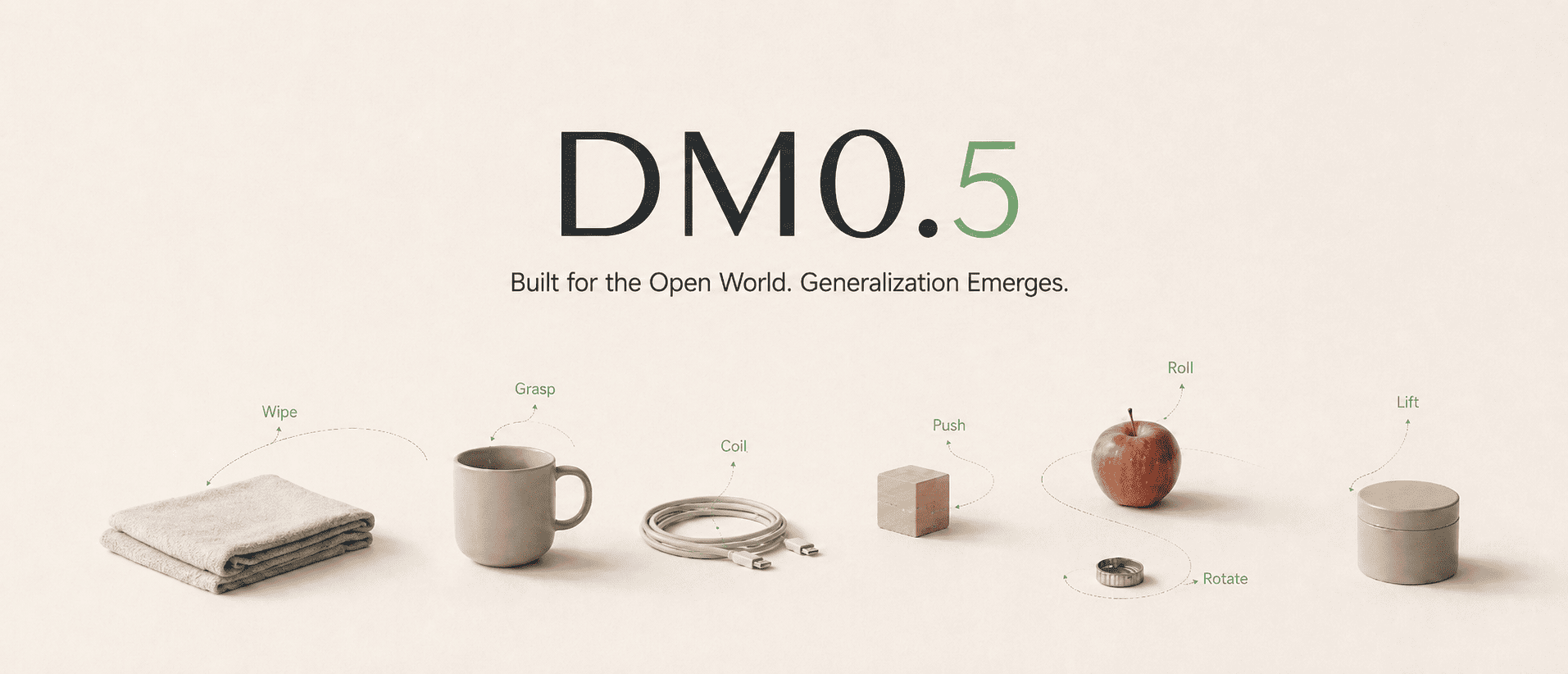
| DM05-robotwin2 is the RoboTwin 2.0 fine-tuned generalist checkpoint of DM0.5, Dexmal's open-world Vision-Language-Action foundation model for embodied intelligence. DM0.5 uses a Gemma3 4B vision-language backbone with a 680M Action Expert to generate continuous robot actions, and is designed for natural-language manipulation, zero-shot generalization, efficient downstream fine-tuning, long-horizon historical context, robust policy behavior, and transfer across robot embodiments. |
|
|
| This checkpoint controls the ALOHA bimanual embodiment using three RGB camera views and generates 14-dimensional joint-position action chunks. |
|
|
| #### RoboTwin 2.0 Results |
|
|
| | Method | Clean | Randomized | Average | |
| | --- | ---: | ---: | ---: | |
| | DM0.5 | 93.6 | 93.3 | 93.5 | |
|
|
| ## Quick Start |
|
|
| We recommend using Docker to set up the runtime environment first, which helps avoid version mismatches across CUDA, PyTorch, flash-attn, and other dependencies on the host machine. |
|
|
| ### Requirements |
|
|
| ```text |
| System requirements: |
| Ubuntu 20.04 / 22.04 |
| NVIDIA GPU |
| NVIDIA Driver |
| Docker |
| NVIDIA Container Toolkit |
| Conda (optional, only required for local pip installation) |
| |
| Recommended GPUs: |
| A100, H100, H20 |
| 32 GPUs are recommended for training, and 1 GPU is sufficient for deployment inference. |
| ``` |
|
|
| ### Docker Installation |
|
|
| ```bash |
| git clone https://github.com/dexmal/opendm.git |
| cd opendm |
| |
| docker run -it --rm --gpus all --network host \ |
| --name opendm \ |
| --shm-size=16g \ |
| -v "$PWD":/app/opendm \ |
| -w /app/opendm \ |
| dexmal/opendm:latest /bin/bash |
| |
| # Run from the OpenDM repository root inside the container. |
| conda activate opendm |
| pip install -e . |
| ``` |
|
|
| ### Local Installation |
|
|
| ```bash |
| conda create -n opendm python=3.10 -y |
| conda activate opendm |
| |
| pip install torch torchvision \ |
| --index-url https://download.pytorch.org/whl/cu128 |
| |
| pip install ninja packaging |
| MAX_JOBS=2 pip install flash-attn --no-build-isolation |
| |
| # Enter the OpenDM repository root. |
| cd opendm |
| pip install -e . |
| ``` |
|
|
| ## RoboTwin 2.0 Testing |
|
|
| Use the RoboTwin 2.0-specific experiment configuration when evaluating this |
| checkpoint. The inference service and benchmark client run separately and |
| communicate over HTTP. When possible, use one GPU for the inference service and |
| another for benchmark evaluation. |
|
|
| For the complete data preparation, training, inference, and evaluation |
| workflow, see the |
| [DM05 RoboTwin 2.0 Training and Evaluation Guide](https://github.com/dexmal/opendm/blob/main/docs/en/dm05_robotwin2.md). |
|
|
| ### Start the RoboTwin 2.0 Inference Service |
|
|
| Run this command from the OpenDM repository root. The checkpoint must contain |
| the matching `norm_stats.json`. |
|
|
| ```bash |
| script/dm05_launcher.sh \ |
| --exp playground/dm05_robotwin2.py \ |
| --task inference \ |
| --nproc_per_node 1 \ |
| --model-config.model-name-or-path ./checkpoints/DM05-robotwin2-bf16 \ |
| --model-config.chunk-size 50 \ |
| --inference-config.output-action-dim 14 \ |
| --inference-config.image-keys images_1 images_2 images_3 \ |
| --inference-config.port 7891 |
| ``` |
|
|
| Keep the service running while executing the benchmark. |
|
|
| ### Prepare the Benchmark Client |
|
|
| ```bash |
| git clone https://github.com/dexmal/dexbotic-benchmark.git |
| cd dexbotic-benchmark |
| git submodule update --init --recursive RoboTwin |
| docker pull dexmal/dexbotic_benchmark |
| ``` |
|
|
| RoboTwin 2.0 also requires its assets, object-data texture library, and |
| embodiment files. Follow the [RoboTwin installation guide](https://robotwin-platform.github.io/doc/usage/robotwin-install.html#4-download-assets-robotwin-od-texture-library-and-embodiments) |
| to download them before starting evaluation. |
|
|
| Edit `evaluation/configs/robotwin2/adjust_bottle.yaml` so that `base_url` |
| points to the inference service: |
|
|
| ```yaml |
| # Basic experiment configuration (keep unchanged) |
| policy_name: dexbotic |
| task_name: adjust_bottle |
| task_config: demo_clean |
| ckpt_setting: dexbotic |
| seed: 0 |
| instruction_type: seen |
| |
| # Add Parameters You Need |
| base_url: http://localhost:7891 |
| output_dir: ./result_test/robotwin2_evaluation |
| cameras: "head_camera_rgb,left_camera_rgb,right_camera_rgb" |
| action_horizon: 50 |
| action_mode: absolute |
| ``` |
|
|
| Important configuration fields: |
|
|
| - `task_name`: one of the 50 RoboTwin 2.0 tasks. Each task is evaluated |
| independently. |
| - `task_config`: use `demo_clean` for the Clean setting and `demo_randomized` |
| for the Randomized setting. |
| - `base_url`: address of the running DM0.5 inference service. For a remote |
| service, use `http://<SERVER_IP>:7891`. |
| - `cameras`: keep the head, left-wrist, and right-wrist camera order so it |
| matches `images_1`, `images_2`, and `images_3` on the inference service. |
| - `action_horizon`: number of actions executed per model request. It must match |
| the model chunk size of 50. |
| - `output_dir`: root directory for success-rate files and rollout videos. |
| - `action_mode`: `absolute` for absolute joint positions, `relative` for relative joint positions |
|
|
| The benchmark evaluates 100 episodes for the selected task and setting. To |
| reproduce the aggregate Clean and Randomized scores, evaluate all 50 tasks |
| under both settings and average their success rates. |
|
|
| ### Run the RoboTwin 2.0 Benchmark |
|
|
| From the `dexbotic-benchmark` repository root, set `ROBOTWIN_ASSETS` to the |
| absolute path of the downloaded assets and run: |
|
|
| ```bash |
| ROBOTWIN_ASSETS=/absolute/path/to/robotwin/assets |
| |
| docker run --rm --gpus all --network host \ |
| -v "$ROBOTWIN_ASSETS":"$ROBOTWIN_ASSETS" \ |
| -v "$ROBOTWIN_ASSETS":/app/assets \ |
| -v "$ROBOTWIN_ASSETS":/app/RoboTwin/assets \ |
| -v "$PWD/evaluation":/app/evaluation \ |
| -v "$PWD/scripts":/app/scripts \ |
| -v "$PWD/result_temp":/app/result_temp \ |
| -e NVIDIA_DRIVER_CAPABILITIES=compute,utility,graphics \ |
| dexmal/dexbotic_benchmark \ |
| bash scripts/env_sh/robotwin2.sh \ |
| evaluation/configs/robotwin2/adjust_bottle.yaml |
| ``` |
|
|
| Evaluation artifacts are written under the configured `output_dir`, grouped by |
| task, setting, and timestamp: |
|
|
| ```text |
| <output_dir>/<task_name>/<task_config>/<timestamp>/ |
| ├── _result.txt |
| └── *.mp4 |
| ``` |
|
|
| `_result.txt` contains the success rate for the selected task and setting. When |
| video logging is enabled by the RoboTwin task configuration, rollout videos are |
| saved in the same timestamp directory. |
|
|
| ## Community and Support |
|
|
| - Learn more about Dexmal products and model updates on the [Dexmal website](https://www.dexmal.com/). |
| - If you encounter issues, please report them through [GitHub Issues](https://github.com/dexmal/opendm/issues). |
| - For further discussion, scan the [WeChat QR code](https://raw.githubusercontent.com/dexmal/opendm/main/docs/image/wechat.jpeg) to contact us. |
|
|
| We will continue to release more model weights, technical documentation, and examples. If this project is helpful to you, please consider giving us a star on GitHub [](https://github.com/dexmal/opendm). Your support helps us move forward. |
|
|
| ## Citation |
|
|
| ```bibtex |
| @misc{dm05, |
| title = {{DM0.5}: An Open-World Foundation Model for General-Purpose Embodied Intelligence}, |
| author = {{Dexmal Team}}, |
| month = {July}, |
| year = {2026}, |
| url = {https://www.dexmal.com/blog/dm0.5/index_en.html} |
| } |
| ``` |
|
|

