

File size: 6,824 Bytes
7f0b0a5 f896af1 7f0b0a5 f896af1 12e0ec0 f896af1 | 1 2 3 4 5 6 7 8 9 10 11 12 13 14 15 16 17 18 19 20 21 22 23 24 25 26 27 28 29 30 31 32 33 34 35 36 37 38 39 40 41 42 43 44 45 46 47 48 49 50 51 52 53 54 55 56 57 58 59 60 61 62 63 64 65 66 67 68 69 70 71 72 73 74 75 76 77 78 79 80 81 82 83 84 85 86 87 88 89 90 91 92 93 94 95 96 97 98 99 100 101 102 103 104 105 106 107 108 109 110 111 112 113 114 115 116 117 118 119 120 121 122 123 124 125 126 127 128 129 130 131 132 133 134 135 136 137 138 139 140 141 142 143 144 145 146 147 148 149 150 151 152 153 154 155 156 157 158 159 160 161 162 163 164 165 166 167 168 169 170 171 172 173 174 175 176 177 178 179 180 181 182 183 184 185 186 187 188 189 190 191 192 193 194 195 196 197 198 199 200 201 202 203 204 205 206 207 208 209 210 211 212 213 214 215 216 217 218 219 | ---
license: gemma
library_name: transformers
base_model:
- Dexmal/DM05
datasets:
- Dexmal/vla_arena_L0_L
tags:
- robotics
- robot-control
- vision-language-action
- vla
- dm05
- dm0.5
- vla-arena
- opendm
---
# DM05-vla-arena
<p align="center">
<a href="https://www.dexmal.com/blog/dm0.5/index_en.html"><img src="https://img.shields.io/badge/📖-Tech_Blog-blue" alt="Tech Blog"></a>
<a href="https://github.com/dexmal/opendm"><img src="https://img.shields.io/badge/GitHub-OpenDM-181717?logo=github" alt="GitHub"></a>
<a href="https://huggingface.co/datasets/Dexmal/vla_arena_L0_L"><img src="https://img.shields.io/badge/Dataset-VLA--Arena-0EA5E9?logo=huggingface" alt="VLA-Arena Dataset"></a>
<a href="https://github.com/PKU-Alignment/VLA-Arena"><img src="https://img.shields.io/badge/GitHub-VLA--Arena-181717?logo=github" alt="VLA-Arena"></a>
<a href="https://maas.dexmal.com/"><img src="https://img.shields.io/badge/MaaS-Online-brightgreen.svg" alt="MaaS"></a>
</p>
## Introduction
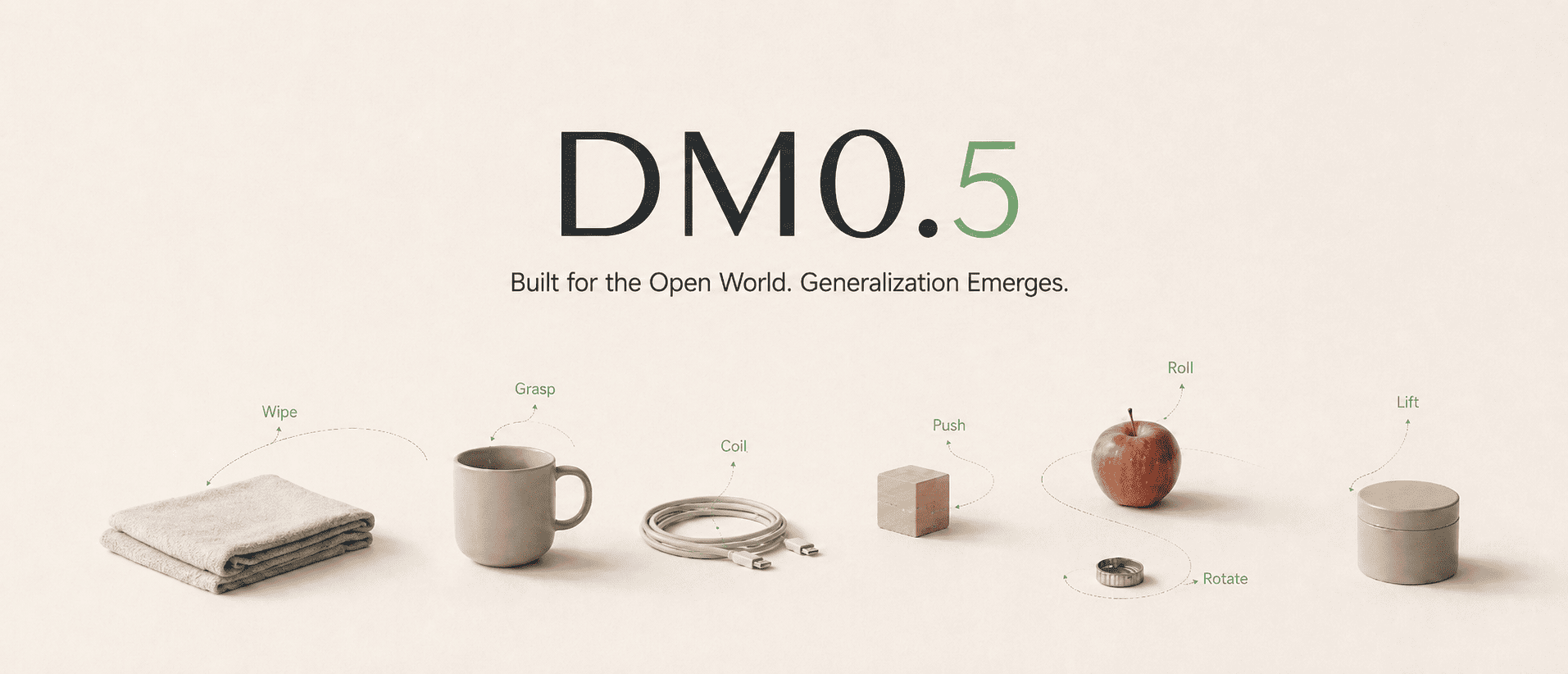
DM05-vla-arena is the VLA-Arena fine-tuned checkpoint of DM0.5, Dexmal's open-world Vision-Language-Action foundation model for embodied intelligence. DM0.5 uses a Gemma3 4B vision-language backbone with a 680M Action Expert to generate continuous robot actions, and is designed for natural-language manipulation, zero-shot generalization, efficient downstream fine-tuning, long-horizon historical context, robust policy behavior, and transfer across robot embodiments.
#### VLA-Arena Results
| Method | Metric | L0 | L1 | L2 |
| --- | --- | ---: | ---: | ---: |
| DM0.5 | SR | 89.0% | 53.6% | 44.1% |
| | CC | 1.9 | 18.75 | 22.52 |
## Quick Start
We recommend using Docker to set up the runtime environment first, which helps avoid version mismatches across CUDA, PyTorch, flash-attn, and other dependencies on the host machine.
### Requirements
```text
System requirements:
Ubuntu 20.04 / 22.04
NVIDIA GPU
NVIDIA Driver
Docker
NVIDIA Container Toolkit
Conda (optional, only required for local pip installation)
Recommended GPUs:
RTX 4090, A100, H100, H20
8 GPUs are recommended for training, and 1 GPU is sufficient for deployment inference.
```
### Docker Installation
```bash
git clone https://github.com/dexmal/opendm.git
cd opendm
docker run -it --rm --gpus all --network host \
--name opendm \
--shm-size=16g \
-v "$PWD":/app/opendm \
-w /app/opendm \
dexmal/opendm:latest /bin/bash
# Run from the OpenDM repository root inside the container.
conda activate opendm
pip install -e .
```
### Local Installation
```bash
conda create -n opendm python=3.10 -y
conda activate opendm
pip install torch torchvision \
--index-url https://download.pytorch.org/whl/cu128
pip install ninja packaging
MAX_JOBS=2 pip install flash-attn --no-build-isolation
# Enter the OpenDM repository root.
cd opendm
pip install -e .
```
## VLA-Arena Testing
Use the VLA-Arena-specific experiment configuration when evaluating this
checkpoint. The inference service and evaluation client run separately and
communicate over HTTP.
For the complete training and evaluation workflow, see the
[DM05 VLA-Arena Training and Evaluation Guide](https://github.com/dexmal/opendm/blob/main/docs/en/dm05_vla_arena.md).
### Start the VLA-Arena Inference Service
Run this command from the OpenDM repository root. The checkpoint must contain
the matching `norm_stats.json`.
```bash
script/dm05_launcher.sh \
--exp playground/dm05_vla_arena.py \
--task inference \
--nproc_per_node 1 \
--model-config.model-name-or-path ./checkpoints/DM05-vla-arena-bf16 \
--inference-config.output-action-dim 7
```
Keep the service running while executing the benchmark.
### Prepare the VLA-Arena Evaluation Client
```bash
git clone https://github.com/PKU-Alignment/VLA-Arena
cd VLA-Arena
```
Install the VLA-Arena dependencies:
```bash
sudo apt-get install -y libosmesa6-dev libglfw3 libgl1-mesa-glx libglib2.0-0
pip install robosuite==1.5.1 bddl numpy==1.26.4 requests tqdm pyyaml "imageio[ffmpeg]" pillow
pip install -e .
export MUJOCO_GL=osmesa
```
Copy the evaluation files from the OpenDM repository:
```bash
mkdir -p vla_arena/models/DM05
# Copy evaluation files from the OpenDM repository
cp <path-to-opendm>/third_party/vla_arena/eval.py vla_arena/models/DM05/eval.py
cp <path-to-opendm>/third_party/vla_arena/eval_config.yaml vla_arena/models/DM05/eval_config.yaml
```
Edit `vla_arena/models/DM05/eval_config.yaml` so that `server_url` points to
the running inference service:
```yaml
server_url: "http://<SERVER_IP>:7891/process_frame"
request_timeout: 30
action_horizon: 20
replan_steps: 10
robot_type: "Franka"
batch_size: 1
speed: "0.5"
# "all" evaluates all 170 tasks (11 suites × 3 levels)
task_suite_name: "all"
task_level: 0
num_trials_per_task: 10
seeds: [7, 42, 1000]
model_name: "DM05"
local_log_dir: "./experiments/eval_results"
save_video_mode: "first_success_failure"
```
### Run the VLA-Arena Benchmark
From the VLA-Arena repository root, run:
```bash
python -m vla_arena.models.DM05.eval \
--config vla_arena/models/DM05/eval_config.yaml \
--output-dir ./experiments/eval_results
```
Evaluation artifacts are written under `<output-dir>/seed_<N>/`, including
`results_<timestamp>.json`, `tasks_<timestamp>.csv`, and rollout videos under
`videos/`.
## Community and Support
- Learn more about Dexmal products and model updates on the [Dexmal website](https://www.dexmal.com/).
- If you encounter issues, please report them through [GitHub Issues](https://github.com/dexmal/opendm/issues).
- For further discussion, scan the [WeChat QR code](https://raw.githubusercontent.com/dexmal/opendm/main/docs/image/wechat.jpeg) to contact us.
We will continue to release more model weights, technical documentation, and examples. If this project is helpful to you, please consider giving us a star on GitHub [](https://github.com/dexmal/opendm). Your support helps us move forward.
## Citation
```bibtex
@misc{dm05,
title = {{DM0.5}: An Open-World Foundation Model for General-Purpose Embodied Intelligence},
author = {{Dexmal Team}},
month = {July},
year = {2026},
url = {https://www.dexmal.com/blog/dm0.5/index_en.html}
}
@misc{zhang2025vlaarena,
title = {VLA-Arena: An Open-Source Framework for Benchmarking Vision-Language-Action Models},
author = {Borong Zhang and Jiahao Li and Jiachen Shen and Yishuai Cai and Yuhao Zhang and Yuanpei Chen and Juntao Dai and Jiaming Ji and Yaodong Yang},
year = {2025},
eprint = {2512.22539},
archivePrefix = {arXiv},
primaryClass = {cs.RO},
url = {https://arxiv.org/abs/2512.22539},
}
```
|